Marcus is the controller at Copperline Supply, a fictional distributor, and on Tuesday morning he opened the AI usage report and made a noise his team later described as "a kettle." Usage had tripled since last week. He walked over to operations to ask what had changed, and operations said nothing had changed, invoice volume was normal, and could he please stop holding the report like it was evidence.
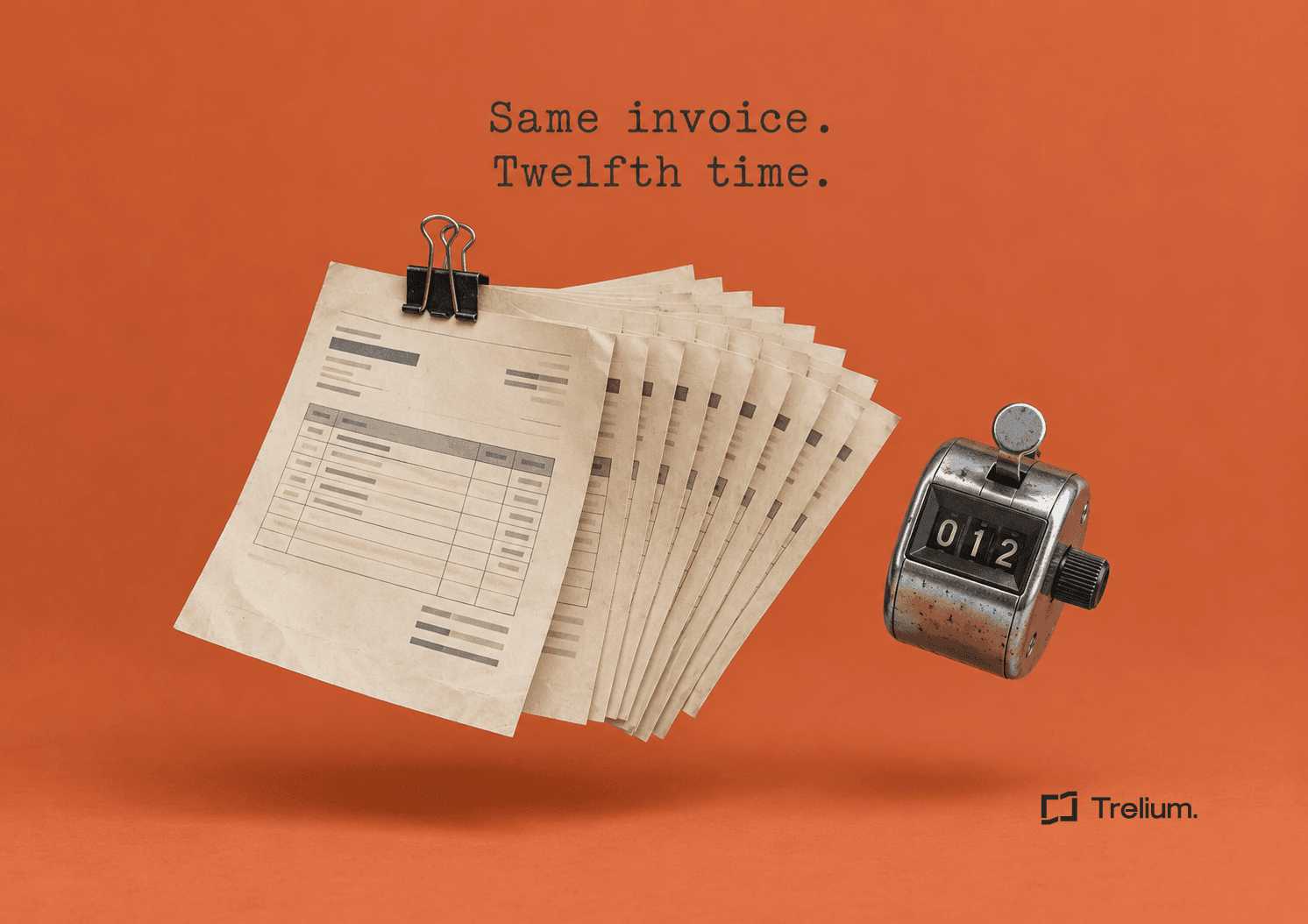
By lunch they had found it. Brenda in accounts payable has a system: she marks emails as unread to remind herself to deal with them later. It is a good system for Brenda. It is a terrible system for an invoice agent that treats every unread email in the AP inbox as new work, so the same handful of supplier invoices had been read, extracted, and matched again every time the agent checked the inbox. Brenda's to do list had become a very efficient way to buy the same answer twelve times.
When AI usage spikes, first find out whether the workflow is doing more useful work or repeating the same work. Compare usage per confirmed outcome, check for duplicate processing and retries, and use your approved pause procedure if repeated actions could touch records or customers. Reconcile the destination system before you restart anything.
Other posts cover nearby ground. Measuring AI workflow cost and ROI explains how to compare usage with the work it buys, and who pays when agents roll out company wide covers budget owners and the difference between a spending alert and a spending limit. This post is about the mechanics of repeat work: how it happens, how to stop it safely, and how to design it out.
Stop the expensive behavior safely
When usage rises unexpectedly, check first whether the workflow is still producing useful outcomes. If repeated or uncertain actions could affect customers or records, use your approved pause procedure while an owner investigates. A pause buys time, and time is cheaper than a second batch of duplicate orders.
Before restarting, keep the run history and reconcile the destination system. An action may have succeeded even though its response was lost along the way. Replaying the whole queue blindly is the most common way to turn a usage problem into a data problem.
Treat a pause and a deletion as different things. The team may need the queued inputs and logs to recover, so follow your platform's documented behavior instead of assuming that stopping a job undoes actions already taken. Keep the affected business owner informed about any work that now needs to be handled by hand.
Compare usage with a normal unit of work
Pick several correctly completed examples and look at their steps. Count how many model calls, lookups, browser actions, and retries each one needed. That gives you a picture of what normal looks like for this workflow.
Build the baseline from the real mix of work. A clean one page invoice and a forty page order packet will not cost the same, so compare similar items before deciding a pricey run is broken. Track usage per confirmed outcome alongside total usage, because total usage alone will rise on a busy week for perfectly good reasons.
If usage doubles while completed work stays flat, something deserves a look. If both rise together, the next question is whether the cost per item still makes sense. Check your vendor's current billing definitions as well, since a platform's credit unit may not map directly to a model token or a fixed amount of money.
Check duplicate processing first
Repeated intake is one of the most common design risks, and Copperline found the classic version. An email stays unread, a "processed" label never gets applied, or a scheduled scan searches the entire mailbox history every time. Each of these feeds the same input back into the workflow as if it were new.
Give each eligible item a durable processing record with a stable source identifier, its current status, and its outcome. Decide in advance how to tell a duplicate delivery from a genuine revision, because a supplier resending a corrected invoice is new work and a mail server delivering the same message twice is not. That rule needs an owner who can explain it.
A marker on its own is not always enough. If a step marks an item complete before the destination action succeeds, work can quietly disappear. If it marks completion afterward and the marker fails, the action can repeat, so the design needs a recovery path for both cases.
AWS's guide to making retries safe with idempotent APIs explains how a request identifier lets a service recognize a repeated request. Use an equivalent supported mechanism where the destination offers one. Verify how the destination actually behaves instead of assuming every retry is safe.
An illustrative duplicate investigation
Suppose one invoice generated 12 intake events when it should have produced one proposed match. The numbers are made up for the example. Group the runs by the invoice's stable source identifier and version, then check whether later runs reused a confirmed result, repeated the model work, or attempted another write.
A recurring status check can be intentional, while 12 copies of the same posting request almost certainly are not. If the first write timed out, look up the destination using the request or business identifier before deciding to retry. If the invoice really changed, treat the new version under your revision rule instead of suppressing it as a copy.
Record the number of distinct inputs, attempts, confirmed outcomes, and unresolved outcomes. That gives the investigation solid evidence without inventing a universal credit cost per invoice. It also shows whether the fix worked, because distinct inputs and confirmed outcomes should line up afterward.
Put limits on retries and polling
A retry should have a reason, a limit, and a delay. Repeating an invalid request faster does not make it more valid. It just makes the bill arrive sooner.
Separate temporary failures from problems that need a change. A brief service interruption may justify another attempt, while missing permission, invalid data, or an unsupported action needs a person or a corrected input. Set a maximum number of attempts and a maximum elapsed time that suit the process, and after that point stop and create an exception someone can act on.
Review how often the workflow checks for changes, too. A status that changes once a day may not need checking every minute. Where the systems support reliable event based triggers, compare them with scheduled scans and measure the full tradeoff before deciding.
Limit the work inside each run
An agent can also spend too long searching, rereading, or trying alternative approaches within a single run. Define the approved sources it should check and the point at which it should ask for help. Without that boundary, a hard case can quietly become an expensive case.
For example, a hypothetical order lookup might search two authorized identifiers and then return a "no match found" exception. It should not keep exploring unrelated records in the hope that something turns up. Reuse validated information when it is safe and permitted, and invalidate it on purpose when the input changes, since a cached stale price can save calls while causing a much costlier business error.
Keep any budgets at a level where someone can act on them, such as per workflow, per team, or per type of transaction. Which controls exist depends on your platform and plan, so confirm what is actually enforced before relying on it. Our break even guide shows how usage fits into the wider cost picture.
Turn the incident into a test
After finding the cause, reproduce it somewhere safe. Confirm that the revised workflow stops when it should, keeps the correct outcome, and raises an exception when it cannot proceed. Then add the incident to your regression cases, along with duplicate deliveries, lost responses, unavailable systems, and inputs that cannot be matched.
Restart a controlled portion of the queue and compare actual usage with the expected baseline. Watch for unfinished work as well as lower usage. A workflow that stops spending because it stopped doing the job has not been fixed, and our post on knowing when an AI workflow has stopped working covers how to catch that.
What an idempotency key can't do
A request identifier helps only when the receiving system honors it within its retention window. It does not make every browser action or multi system sequence safe to repeat, so test the specific actions your workflow takes.
Runaway usage checklist
- Usage is compared per confirmed outcome, not only in total.
- A baseline exists from correctly completed examples of similar work.
- Each eligible item has a durable record with a stable source identifier, status, and outcome.
- There is a written rule for telling duplicate deliveries from genuine revisions.
- Completion markers have a recovery path if they are written too early or fail.
- Retries have a reason, a maximum count, a maximum elapsed time, and a delay.
- Permanent failures go to a person instead of the retry queue.
- Polling frequency matches how often the data actually changes.
- Each run has approved sources and a point where it asks for help.
- The pause procedure is documented and does not delete queued inputs or logs.
- The destination is reconciled before any restart.
- Each incident becomes a regression case.
Frequently asked questions
Why did my AI credit usage suddenly spike?
The most common causes are duplicate processing, retry loops, and runs that do more work per item than they should. Compare usage per confirmed outcome with your normal baseline to tell which one you have. If usage rose while completed work stayed flat, the workflow is probably repeating itself.
How do I stop an AI workflow from processing the same item twice?
Give every eligible item a durable processing record keyed to a stable source identifier, and check it before doing any work. Decide how to treat genuine revisions separately from duplicate deliveries. Where the destination supports request identifiers, use them so a repeated write can be recognized.
Is it safe to restart the queue after a runaway workflow?
Only after reconciling the destination system. Some actions may have succeeded even though their responses were lost, and replaying them can create duplicates. Restart a controlled portion first and compare usage and outcomes with your baseline.
How many times should an AI workflow retry a failed step?
Set the limit from the process, not from a universal number. Temporary failures may justify a few spaced attempts, while missing permissions or invalid data should go to a person right away. Every retry policy needs a maximum count, a maximum elapsed time, and a delay.
Does lower AI usage mean the problem is fixed?
Not by itself. Usage can drop because the workflow stopped doing the job, so check that confirmed outcomes are still arriving at the expected rate. The fix is confirmed when usage per confirmed outcome returns to the baseline.
Where Trelium fits
Trelium builds agents around deterministic workflow execution, validation steps, audit logs, and exception escalation to people. Its workflow based usage model is designed to make automation costs easier to understand and manage. The controls in this post, such as duplicate rules, retry limits, and restart procedures, are design requirements to confirm for each workflow, so ask us to walk through how they would apply to yours.
Thursday at Copperline
The fix took an afternoon. The invoice agent now keeps its own record of every invoice it has handled, keyed to the message and the supplier's invoice number, and it ignores the unread flag entirely. A resent invoice with a new total goes to a person as a revision, and a resent invoice with the same everything goes nowhere.
Usage per matched invoice went back to where it was before. Marcus put the report down gently this time. Brenda still marks emails unread, and now that's nobody's problem but Brenda's.

Chirag Gupta
Member of GTM Staff
Get started
Ready to see Trelium in action?
Schedule a 30-minute conversation about the workflow you want Trelium to handle.
Talk to a Human→