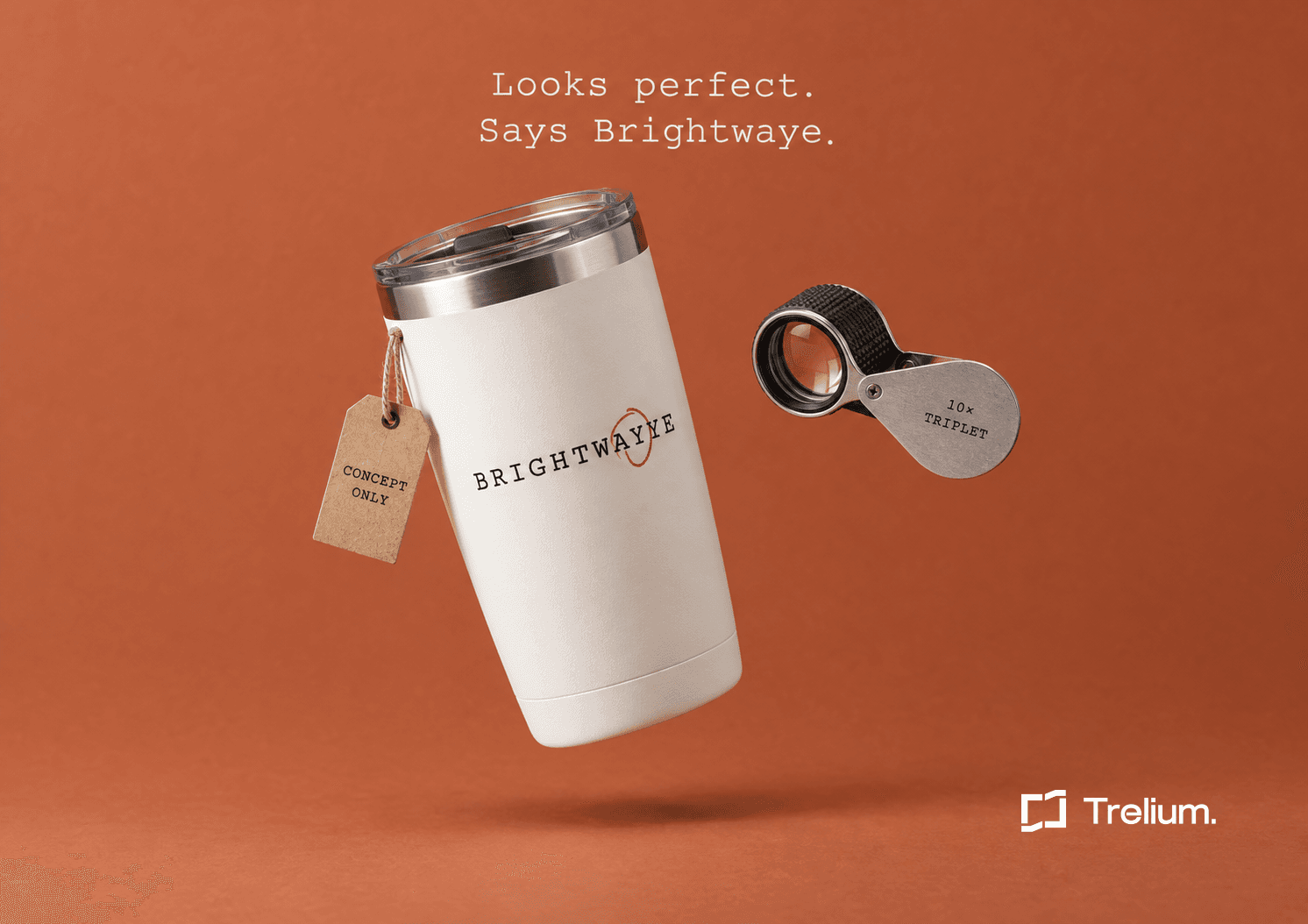
At 4:52 on a Friday, Jenna in sales sent a client a beautiful mockup of their logo on a tumbler. The client replied within minutes with three exclamation points and the word "obsessed." Jenna went home happy.
On Monday, Russ, who is the entire art department, opened the file. The logo now read "Brightwaye" instead of "Brightwave." The tumbler had a handle, and the real tumbler does not. The logo was also about an inch wider than the imprint area allows. The client was still obsessed, and Russ was now in charge of explaining why the thing they loved could not be made.
A concept image helps a client pick a direction. Production artwork has to meet the supplier's specifications, and a supplier proof shows what will actually be made. Automation can help produce and route the first of these faster, but each stage needs its own review and its own approval.
Three different deliverables
Promo teams often use the word "mockup" for three separate things. Mixing them up is how a quick sketch ends up treated as a production approval.
A concept image shows an idea. It might explore a product color, a logo placement, or how a kit looks together. It helps a client react, and it does not promise that every detail can be produced.
Production artwork is the file the decorator uses. It has to match the supplier's requirements for file type, size, colors, and decoration method. It is built from the approved logo files, not traced from a picture.
A supplier proof comes from the supplier or decorator. It shows the actual product, imprint size, placement, and colors as they plan to produce them. This is the document a client approves before production starts.
Where automation can help
Automation fits best in the parts of the process that are repetitive and easy to check. Depending on the tools you use and how you set them up, that might include the steps below.
- Drafting several concept directions quickly for an early sales conversation.
- Placing an approved logo file on a verified product image for a first look.
- Showing the same design across several product colors.
- Pulling imprint area, decoration method, and color limits from supplier data so the designer has them in one place.
- Labeling each image with its stage, version, and the product it shows.
- Routing images to the right reviewer and tracking who approved what.
Test any tool on your own logos and products before relying on it. A tool that handles a simple icon well may struggle with a detailed wordmark, thin lines, or small text.
Where review still matters
Some checks need a person who knows the brand, the product, and the decoration process. These are the points where small errors turn into expensive reprints.
Logo fidelity
Compare the logo in the mockup directly against the approved source file, side by side. Check spelling, letter shapes, spacing, proportions, symbols, and fine details. Check colors against the brand's specified values. A polished image can make small changes easy to miss.
Keep the original logo files as the source for production. Never rebuild a client's logo from a mockup image.
Product accuracy
Confirm that the image shows the actual item, in the correct color, with the right features. Handles, lids, pockets, seams, and closures matter. A product that looks close enough in a concept can cause a real problem if the client approves something that does not exist.
Imprint size and placement
Compare the logo size and position against the supplier's stated imprint area for that exact product. Check orientation relative to handles, seams, and curves. If the concept shows a logo larger than the imprint area, flag it before the client gets attached to it.
Decoration method
Embroidery, screen printing, laser engraving, and full color transfers each limit detail and color in different ways. Fine text may not hold up in thread. A gradient may not work in a spot color print. Route these questions to the artwork specialist or supplier.
Approval steps that hold up
Make every approval say exactly what it covers. A client approving a concept direction has not approved a production proof, and the record should show the difference. Following up on proofs still waiting for a client decision is a separate step that a proof approval workflow can track.
- Label each image as concept, production artwork, or supplier proof.
- Add a version number, the product identifier, and the logo file version.
- Mark concept images clearly as not for production.
- Record who approved each version, what they approved, and when.
- Create a new version whenever the logo, product, color, size, or placement changes.
- Require approval of the supplier proof before production, separate from any concept approval.
- Keep internal review notes apart from the file the client sees.
Mockup review checklist
Run through this list before a mockup reaches a client. Each line should be confirmed by a person, not assumed.
- The image is labeled with its stage and version.
- The logo matches the approved source file in spelling, shape, spacing, and color.
- The product shown is the actual item and color being quoted.
- The imprint size fits the supplier's stated area for that product.
- The placement makes sense around handles, seams, and curves.
- The design works with the chosen decoration method.
- The client has permission to use the logo on this product.
- The original logo files are stored for production use.
- The client knows a supplier proof will follow before production.
Trelium builds AI agents that automate order entry, invoice matching, and other workflows for distributors and promo and apparel companies. When you evaluate any vendor for mockup or artwork work, ask to see results on your own logos and products. Ask how each stage is labeled and where a person approves.
FAQ
What is the difference between a mockup and a supplier proof?
A mockup shows how a design might look on a product, often to help a client choose a direction. A supplier proof comes from the supplier or decorator and shows the exact product, imprint size, placement, and colors they plan to produce. Clients should approve the supplier proof before production begins.
Can a client approve production from a concept image?
It is risky. A concept image may not reflect the real imprint area, decoration limits, or exact colors. Treat concept approval as approval of a direction, and get a separate approval on the supplier proof before anything is produced.
What should I check for logo fidelity in a mockup?
Compare the logo against the approved source file side by side. Check spelling, letter shapes, spacing, proportions, symbols, fine details, and colors. Make sure the production file comes from the original logo files and not from the mockup image.
Where can automation help with product mockups?
Automation can help with repetitive steps such as drafting concept directions, placing approved artwork on verified product images, showing color variations, and routing images for review. Results depend on the tool and your assets, so test on your own logos first. A person should still review every image before it reaches a client.
Why does decoration method matter for a mockup?
Each decoration method limits what can be produced. Embroidery struggles with very fine text, and spot color printing handles gradients differently than full color methods. A mockup that ignores the method can show a design that cannot actually be made.

Anindo Neel Dutta
Member of GTM Staff
Get started
Ready to see Trelium in action?
Schedule a 30-minute conversation about the workflow you want Trelium to handle.
Talk to a Human→