Rachel runs the order desk at a small promo shop. Her owner came back from a trade show with a lanyard, a tote bag full of stress balls, and a firm belief that AI would "pay for itself in a week." He asked Rachel to build the business case by Friday.
Rachel opened a spreadsheet and typed "Savings" in cell A1. Then she sat there. Savings compared to what? Her team enters about forty POs a month, and Dave handles most of them between other jobs. The vendor quote had a monthly minimum, a per transaction fee, and a setup line. Nobody had counted how long Dave actually spends on a PO, or how often he redoes one. By Friday, the spreadsheet had one more cell filled in, and it said "depends."
AI automation pays when the cost of doing the work by hand is higher than the full cost of the automated path, including minimums, usage, review, exceptions, rework, and oversight. There is no universal volume where that flips. You find your own break even point by filling in your own numbers.
Pick one workflow with a clear finish line
Run the math for one workflow at a time. "Automate the order desk" is too vague to price. "Enter each customer PO into the ERP as a draft sales order, ready for review" can be measured. That is a typical order entry workflow for a distributor.
Use the same finish line for both paths. If the manual path ends with a checked, correct order, the automated path has to end there too. Comparing a reviewed human entry with an unreviewed draft makes automation look cheaper than it is.
The variables
Fill in each of these with your own numbers. Time a real sample of transactions, including messy ones, before you guess.
- VOLUME: eligible transactions per month.
- RATE: fully loaded hourly labor cost.
- MANUAL_MIN: minutes per transaction by hand.
- MANUAL_REWORK_MIN: average minutes per transaction fixing manual errors later.
- USAGE: vendor charge per transaction, if any.
- REVIEW_MIN: minutes to check each automated result.
- EXCEPTION_RATE: share of automated transactions that still need manual handling.
- EXCEPTION_MIN: minutes to handle one exception.
- AUTO_REWORK_MIN: average minutes per transaction fixing automated errors later.
- MINIMUM: fixed monthly platform fee or commitment.
- SETUP: one time setup cost, including your team's time.
- PAYBACK_MONTHS: months to spread SETUP over.
- OVERSIGHT_HRS: monthly hours the workflow owner spends watching and adjusting.
The formulas
These formulas give a simple monthly model. They assume per transaction costs stay flat across the volume you test.
Manual cost per item    = (MANUAL_MIN + MANUAL_REWORK_MIN) ÷ 60 × RATE

Automated cost per item = USAGE
                          + (REVIEW_MIN
                          + EXCEPTION_RATE × EXCEPTION_MIN
                          + AUTO_REWORK_MIN) ÷ 60 × RATE

Savings per item        = Manual cost per item minus Automated cost per item

Fixed monthly cost      = MINIMUM
                          + SETUP ÷ PAYBACK_MONTHS
                          + OVERSIGHT_HRS × RATE

Break even volume       = Fixed monthly cost ÷ Savings per item
If savings per item is zero or less, automation never pays for that workflow under this model, no matter the volume. If VOLUME sits below the break even volume, it does not pay yet.
Check how the contract counts usage before you plug in numbers. Some minimums include a block of transactions. If yours does, do not add USAGE for transactions the minimum already covers.
A low volume case where automation does not pay
Here is one worked example with sample inputs. Swap every number for your own before you trust the result.
A small shop handles 40 eligible POs a month. Each takes 8 minutes by hand, plus 2 minutes of rework on average. The loaded rate is $30 an hour. That makes the manual cost $5.00 per PO, or $200 a month in total.
On the automated path, USAGE is $0.75 per PO. Review takes 3 minutes. A quarter of POs become exceptions at 8 minutes each, which averages 2 minutes per PO. Automated rework averages half a minute. That makes the automated cost $0.75 plus 5.5 minutes of labor, or $3.50 per PO. Savings per item is $1.50.
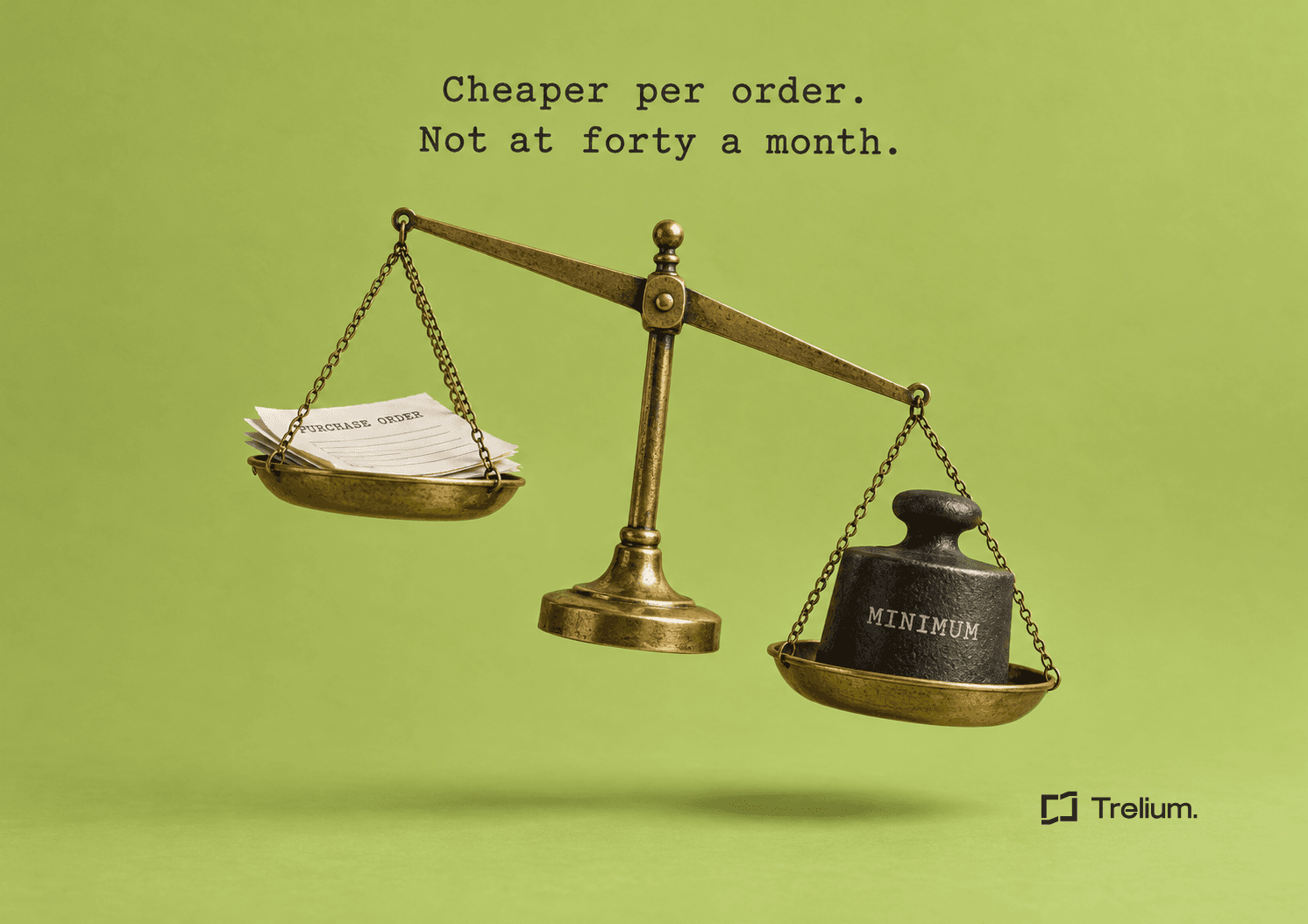
The fixed side has a $300 minimum, $1,200 of setup spread over 12 months for $100 a month, and 2 hours of oversight at $30 for $60. Fixed monthly cost is $460. The break even volume is $460 ÷ $1.50, or about 307 POs a month.
At 40 POs, the shop saves $60 a month in labor and spends $460 in fixed costs, a loss of about $400 a month. The fixed cost alone is more than twice the cost of the entire manual process.
What could change the answer is more eligible volume, a second workflow sharing the same minimum, or a lower exception rate. If none of those are realistic, keeping the work manual is the sound choice for now.
Labor saved is not always cash saved
Saved minutes become saved money only when something changes, such as less overtime, no seasonal temp, or a delayed hire. If the same people stay on the same payroll, the benefit is capacity, which is useful but different.
Write down what the team will do with the released time. If you cannot name it, count the savings as zero in your cash model and treat capacity as a separate benefit.
Break even checklist
Work through this list before you sign anything. Each line should have a number or an owner next to it.
- One workflow with a clear finish line is chosen.
- Manual time is measured on a real sample, including messy transactions.
- Only eligible volume is used, with the rest kept on the manual path.
- The contract's minimum, usage, and included volume are understood.
- Review time and exception handling are estimated for the automated path.
- Oversight hours for the workflow owner are included.
- The model is run for a quiet month, a busy month, and with review time doubled.
Trelium builds AI agents that automate order entry, invoice matching, and other back office work for distributors and promo and apparel companies. If you are evaluating Trelium, ask us how our pricing maps to each variable above, including what any minimum covers.
FAQ
How do I calculate break even for AI automation?
Divide your fixed monthly cost by the savings per transaction. Fixed cost includes any platform minimum, setup spread over a payback period, and oversight time. Savings per transaction is the manual cost minus the automated cost, including usage, review, exceptions, and rework.
Is there a minimum volume where AI automation always pays?
No. The break even point depends on your labor rate, how long the work takes, the vendor's pricing, and how many transactions still need a person. Two teams with the same volume can reach very different answers, so run the model with your own numbers.
When does AI automation not pay?
It does not pay when savings per transaction is zero or less, or when volume is too low to cover fixed costs like a monthly minimum. In those cases, keep the work manual, add eligible volume, or wait for the business to grow.
Do saved hours mean lower payroll?
Not automatically. Saved hours reduce costs only if something changes, such as less overtime, fewer temps, or a delayed hire. Otherwise the benefit is extra capacity, which you should track separately from cash savings.
How should seasonal promo teams model break even?
Run the numbers for your quietest month and your busiest month instead of one average month. A fixed minimum that is easy to cover in a busy season can turn into a loss during slow months.

Chirag Gupta
Member of GTM Staff
Get started
Ready to see Trelium in action?
Schedule a 30-minute conversation about the workflow you want Trelium to handle.
Talk to a Human→