Dana runs operations at Larkspur Promo, a made up distributor with a very real Monday problem. At 10:40 a.m., Gus from sales leans over her desk and asks, in the casual voice people use right before ruining your week, whether the rush order for the dental conference got entered. The customer sent the PO on Friday afternoon. The order entry agent handles that inbox, and nobody has heard a peep from it all weekend.
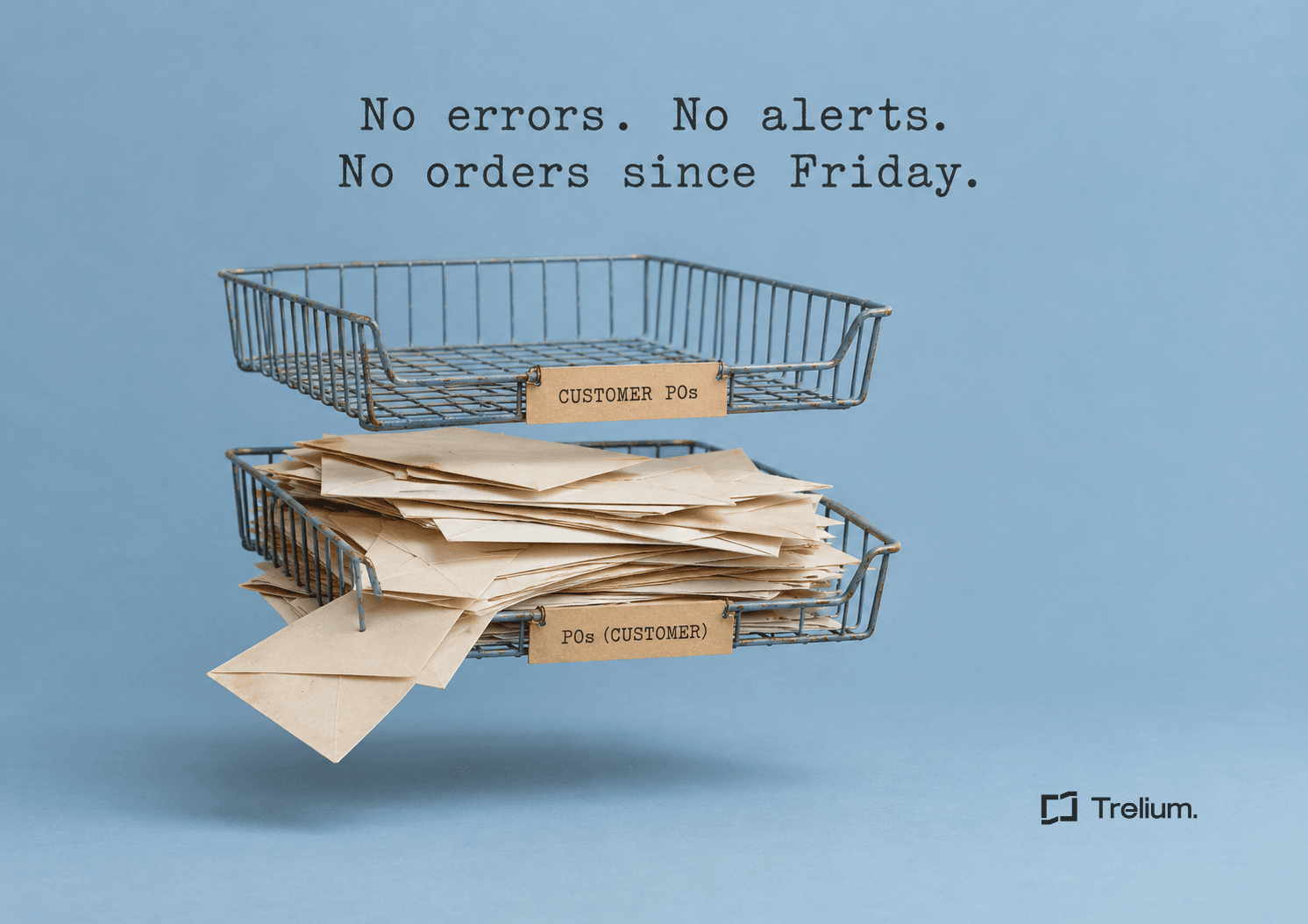
Dana checks. There are no errors, no failed runs, and no warnings. There are also no orders entered since Friday at 2:15 p.m., which is roughly when Tyler, the summer intern, tidied up the shared inbox by renaming the "Customer POs" folder to "POs (customer)." The agent was watching the old folder. It found nothing to do, did nothing, and reported nothing, which from its point of view was a flawless weekend.
You find out an AI workflow has stopped by counting the work that arrived against the work the destination system confirms as finished, and looking hard at anything that is neither finished nor explained. A healthy connection or a successful model call does not prove that the business task got done. Each warning should name the affected item, the last confirmed step, and the person who should act.
Our post on why workflow alerting matters more than workflow accuracy covers alerts that fire while a workflow is running, such as loops, stalls, and odd outcomes. This post covers the quieter case where nothing runs at all, so nothing fires. The method is to use business outcomes to detect the problem and technical logs to diagnose it.
Write down what finished looks like
For each workflow, define the finish line in plain words before deciding how to watch it. An invoice matching agent may be finished when it produces a match proposal that a person has reviewed. An order entry agent may be finished only when the destination system confirms the correct order exists with the right lines.
Count finished results separately from attempts. Five retries are five attempts and zero completed orders. A clean extraction does not prove the order was entered, and a sent email does not prove anyone acted on it.
Keep one stable identifier for each unit of work across every step. An order reference or the source message identifier can connect arrival, processing, exceptions, and completion. With that link in place, an operator can ask a concrete question about one item and get a concrete answer.
Watch for work that never starts
Larkspur's agent failed before it could create a single log line, and many stalls look like that. A listener stops, a filter becomes too narrow, a folder gets renamed, or an input format changes so the system no longer recognizes eligible work. From inside the workflow, a quiet weekend and a broken intake look identical.
Compare expected arrivals with observed processing, and use an independent source where you can. Counting messages in the approved intake inbox is more reliable than asking the same component that may be broken whether it received anything. If those two numbers disagree, something between them has stopped.
Set expectations that match the business. A quiet Sunday can be normal, while zero processing on a busy Tuesday deserves a look. Teams with seasonal peaks should adjust their baselines through the year instead of trusting one threshold forever.
Separate "nothing arrived" from "the source could not be checked." Those two states should produce different statuses, because the first is a slow day and the second is an outage with good manners.
Track the age of unfinished work
A queue can look small while one important order has been stuck for hours. Watch the age of the oldest unresolved item and the time spent in each meaningful stage, alongside the count. Three items in a queue is fine until one of them is the dental conference.
Decide which delays matter. A workflow waiting on a customer to answer a question may be behaving exactly as designed. A workflow retrying the same failed step without telling anyone needs a person.
Keep the waiting reason visible instead of hiding everything under one "pending" label. Useful statuses include waiting for review, waiting for customer information, blocked by access, and failed after the retry limit. Each one points to a different owner and a different next step.
Google's Site Reliability Engineering book separates symptoms from causes in monitoring. For an operations team, overdue or missing business work is the symptom. Logs and integration errors help explain the cause once you know where to look.
A sample end of day reconciliation
Here is an illustrative check, with numbers made up for the example. Suppose 20 distinct eligible POs arrived during the day. The destination system confirms 16 completed orders, two are waiting on recorded human decisions, one is in a known processing step, and one has no recorded state at all.
That last PO is the finding. It counts as a detection gap even if every integration reports a healthy connection, because nobody can say what happened to it. The point of the check is to make sure every item that came in is accounted for in exactly one bucket.
Keep the buckets mutually exclusive at the moment you count. Count each PO once, handle revisions on purpose, and remove duplicate deliveries of the same message from the arrival count. Then apply an age limit to each bucket, since a documented wait can also become overdue.
The useful warning names the unexplained PO, its source, the last observed event, and whether anyone should hold off on replaying it until the destination has been checked. The numbers here show a way of accounting for work. They are not a service level or a benchmark.
Give every alert an owner and a next step
Before turning on any warning, decide who receives it and what they should do. A message nobody owns becomes background noise within a week. A message with an owner and an action becomes part of how the team works.
A helpful warning includes the workflow name, the affected item, the last confirmed step, the time it stopped, and a link to the relevant run record. It should also say whether the workflow has paused and whether doing the work by hand might duplicate something that already happened. That last point saves a lot of awkward double orders.
Avoid sending the same generic message for every retry. Escalate according to consequence, duration, and scope, and group related failures when that makes the picture clearer. Then test the delivery path itself, because a warning that only exists in an unread log has not warned anyone.
Keep the evidence someone will need
Retain what an investigator needs: the input reference, workflow version, relevant timestamps, the action attempted, the tool response, and the final outcome. Apply your company's privacy and retention rules to that record. Collecting everything just because logging is available creates a different problem, so keep sensitive content to what the investigation needs and limit who can see it.
Show which parts of the record are facts and which are interpretations. A model saying it "completed the task" should never stand in for the destination system's confirmation. When a process touches several systems, keep their identifiers together so nobody has to search four screens and hope they found the matching record.
Treat outside systems as part of the workflow
Credentials expire, APIs change, vendors have outages, inbox folders get renamed by helpful interns, and models get retired. Assign someone to watch for relevant vendor notices and test planned changes before they land. A workflow is only as healthy as the least watched system it depends on.
When a dependency fails, the response should have limits. Retry when it makes sense, stop when the limit is reached, and route the unresolved work to an owner. Practice recovery too, so the team knows which items are safe to replay and how to reconcile partly finished work before resuming.
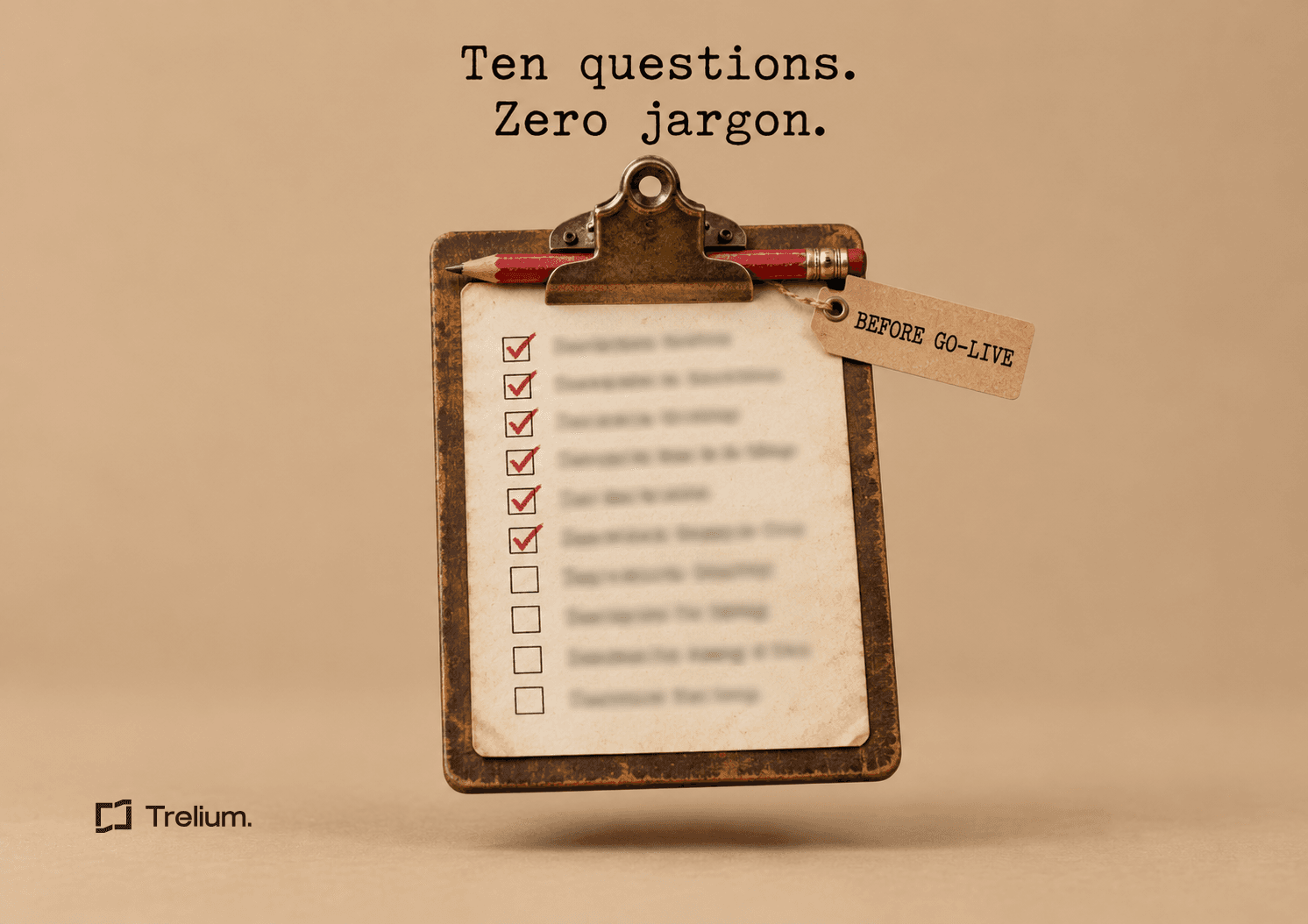
Daily workflow health checklist
- Each workflow has a written finish line confirmed by the destination system.
- Every item carries one stable identifier from arrival to completion.
- Arrivals are counted from an independent source, not only from the workflow.
- "Nothing arrived" and "could not check the source" are separate statuses.
- The oldest unresolved item and its waiting reason are visible.
- Every item that arrived sits in exactly one bucket: completed, waiting with a reason, in progress, or unexplained.
- Each bucket has an age limit.
- Every warning has a named recipient and a next action.
- Warnings say whether manual work could duplicate something already done.
- The notification path has been tested end to end.
- Someone owns vendor notices, credential renewals, and planned changes.
Frequently asked questions
How do I know if an AI workflow has stopped working?
Compare the number of eligible items that arrived with the number the destination system confirms as finished, and account for every difference. Anything that is neither finished nor waiting for a documented reason is a sign the workflow has stalled. Watching the age of the oldest unfinished item catches the cases that counts alone miss.
Why didn't my AI workflow send an error?
Many failures happen before the workflow has anything to report. If a trigger stops firing or a filter stops matching, the workflow never starts, so it never errors. Counting arrivals from an independent source, such as the intake inbox, catches this kind of silent stop.
Is a successful run the same as completed work?
No. A run can succeed technically while the business task stays unfinished, for example when an extraction works but the order never reaches the destination system. Treat the destination system's confirmation as the finish line and count runs as attempts.
What should an AI workflow alert include?
It should name the workflow, the affected item, the last confirmed step, and when it stopped, with a link to the run record. It should also say whether the workflow paused and whether doing the work by hand could create a duplicate. Every alert needs a named person who is expected to act on it.
How often should I reconcile an AI workflow?
Match the check to how quickly a missed item hurts. A rush order inbox may need several checks a day, while a weekly report can be checked weekly. Adjust the expected volume for quiet days and seasonal peaks so the check stays useful.
Where Trelium fits
Trelium agents are built around deterministic workflow execution, validation steps, audit logs, and exception escalation to people, so each run leaves a record of what happened and what still needs a person. The reconciliation habit in this post is an operating practice your team owns on top of that record. If you are evaluating Trelium, bring one workflow and ask us to show how its finished, waiting, and unexplained items would be reported in your environment.
Friday at Larkspur
The dental conference order went out on a rush on Monday afternoon, with Gus personally apologizing to a customer about molars, and the folder got its old name back. By Friday, Dana had a five line morning view: items received, items completed, items waiting with reasons, the oldest unresolved item, and anything unexplained. On Wednesday it showed one PO in the unexplained bucket, which turned out to be a revised order that needed a decision, and someone made that decision before lunch.
Tyler is still allowed near the shared inbox. He now asks first, and the intake count would catch him if he forgot.

Anindo Neel Dutta
Member of GTM Staff
Get started
Ready to see Trelium in action?
Schedule a 30-minute conversation about the workflow you want Trelium to handle.
Talk to a Human→