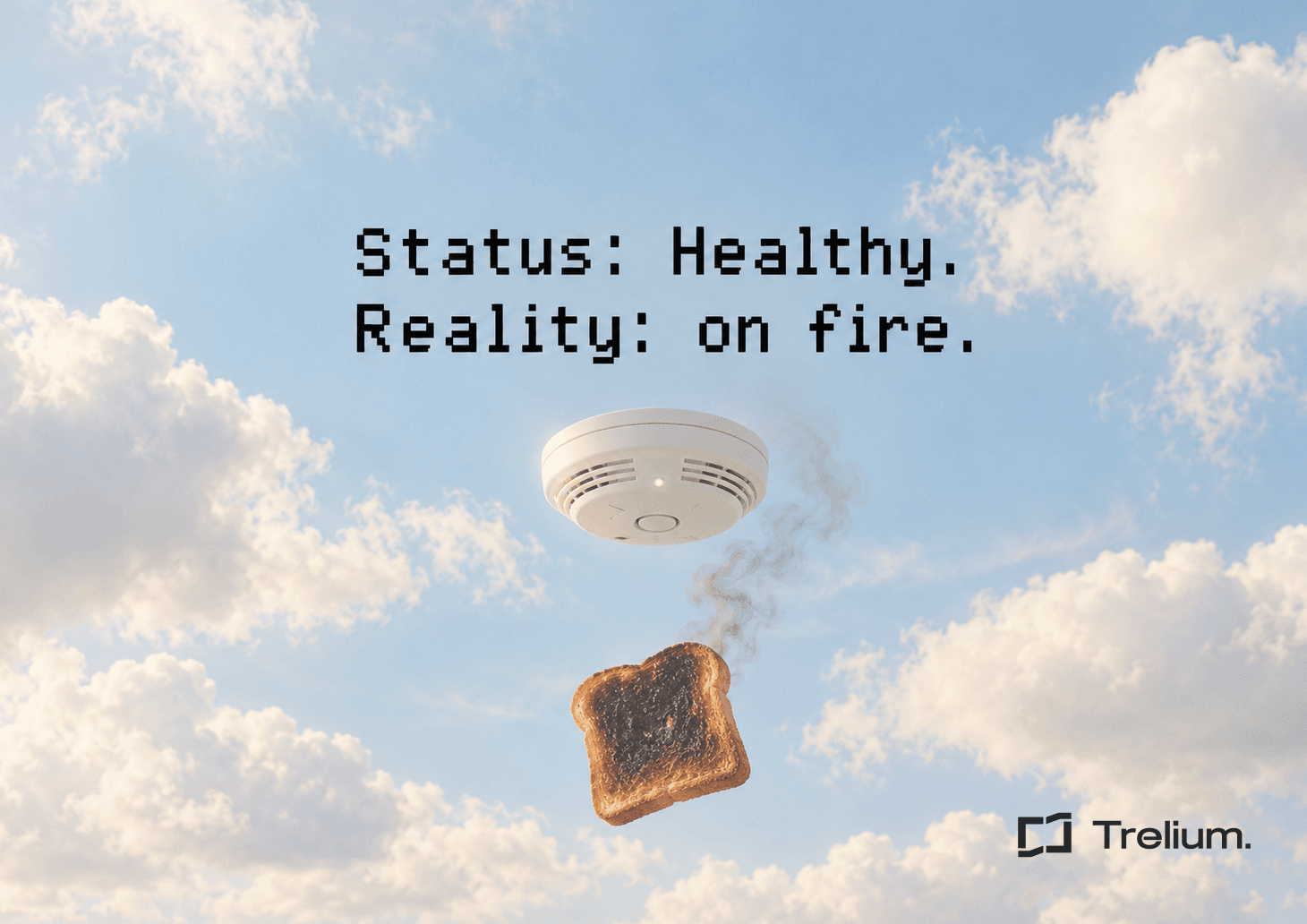
A customer's automated workflow got stuck in a loop and kept going for three and a half hours. By the time anyone noticed, it had burned through 34 times its normal credits. The whole time, the dashboard glowed a calm, reassuring green and said the workflow was Healthy.
That's roughly the dashboard version of "this is fine."
The workflow wasn't producing wrong answers. The problem was that something had gone badly wrong and nobody got told.
That difference starts to matter a lot once automation leaves the demo and starts running your actual operations.
Why isn't workflow accuracy enough?
Accuracy tells you whether an automation usually gets the right result. It says nothing about whether the workflow is stuck, looping, overspending, or confidently finishing something that makes no sense.
Those are different problems, and they need different answers.
A workflow can read an order perfectly and then run the same step again, and again, and again, like a Roomba stuck under the couch.
It can extract an invoice flawlessly and then wait forever for a downstream system that went out to lunch.
It can technically reach its final step with an outcome that wouldn't survive a basic sanity check.
If nobody hears about any of that, a great accuracy number isn't much comfort. It's a straight-A student who never shows up to class.
What actually makes an automated workflow trustworthy?
You need to know what happened, where it happened, and when something stopped behaving normally.
Trelium already treats workflow execution as something you should be able to see. Agent runs keep logs, teams can see completed tasks and credits used, and workflows can route exceptions to people when a judgment call is needed.
That's the opposite of treating automation like a black box you feed invoices to and hope for the best.
For an ops team, trust usually isn't about believing a workflow will never fail. Everything fails eventually, including the printer, the ERP, and Steve from receiving.
Trust is knowing that when it does fail, you'll hear about it fast.
The workflow you can trust isn't the one that never fails. It's the one that tells on itself.
What alerts should a serious automation platform have?
At minimum, operational workflows need three kinds of alerts: runaway or cost alerts, stuck-state alerts, and outcome alerts.
Each one catches a kind of failure that a cheerful "Healthy" badge will happily ignore.
1. Runaway or cost alerts
These fire when runtime, usage, or spend crosses a threshold that's unusual for that particular workflow.
If a process normally wraps up quickly and suddenly starts eating resources like it's at an all-you-can-eat buffet, someone should know before the bill arrives.
The alert shouldn't wait for the workflow to finally crash.
A workflow that keeps going when it should have stopped is already telling you something.
2. Stuck-state alerts
These fire when a workflow has made no real progress for a set amount of time.
Maybe it's waiting on a supplier portal. Maybe a system update never came back. Maybe one step keeps retrying with the persistence of a toddler asking "why?"
A workflow can be technically "running" while getting absolutely nothing done. Most of us have been in that meeting.
That state needs its own alert.
3. Outcome alerts
These check whether the final result actually makes sense.
A workflow can reach its last step successfully and still produce something that breaks a business rule or just looks off. Think an order for 10,000 koozies when the customer always orders 100.
This is where sanity checks earn their keep.
"Completed" and "correct" are not the same status.
Healthy is not the same as working
A green dashboard is useful only if the platform is checking the things that can actually hurt the operation: runaway usage, lack of progress, and bad outcomes.
A Status Light
- Says Healthy as long as nothing has crashed
- Stays green through loops, stalls, and strange results
- Leaves your team to find problems on its own
- Hands over an error code when you finally dig in
Real Alerting
- Flags unusual runtime, usage, or spend
- Notices when a run stops making progress
- Sanity-checks the outcome, not just the finish line
- Brings a person in with the context to decide
What should happen automatically when an alert fires?
The safest default is to stop the problem from spreading. Pause the affected workflow, hold any pending actions that haven't been committed yet, and bring a person into the loop with enough context to make the next call.
That handoff should be simple.
Not twenty log screens.
Not a cryptic error code that reads like a Wi-Fi password.
Give the reviewer a one-screen summary:
- What workflow was running
- What triggered the alert
- What the agent already did
- What actions are still pending
- Which systems or records were touched
- What decision is needed next
Trelium's current workflow model already supports human review gates, paused actions before sensitive steps, run history, and exception alerts that include the context a reviewer needs.
The principle is simple. When automation gets uncertain, expensive, or weird, people should get control back before the workflow keeps going.
Why is silent failure worse than an ordinary error?
An ordinary error announces itself.
Someone spots the failed order, the missing invoice, or the broken step, and goes to investigate.
A silent failure looks exactly like a normal day. That's what makes it dangerous.
The loop that ran for three and a half hours didn't need a smarter model. It needed monitoring that noticed something was off and raised its hand.
The "Healthy" dashboard made it worse, because it gave the team a perfectly good reason not to look. It's a smoke detector that responds to a kitchen fire by texting you "all good 👍".
Should you care less about accuracy?
No. Accuracy still matters, especially when agents are reading POs, matching invoices, updating orders, or drafting customer emails.
But accuracy should be one part of the reliability conversation, not the whole thing.
When you're evaluating an automation platform, ask what happens after something goes wrong:
- Can you see the run history?
- Does the workflow stop when judgment is needed?
- Does someone get alerted with useful context?
- Can pending actions wait for approval instead of plowing ahead?
Trelium agents are built around audit logs, exception routing, and human review gates, so your operational work doesn't vanish into a black box.
What should ops teams ask before trusting a workflow?
Ask how the system detects abnormal behavior, not just how often its model gets the answer right.
The workflow you can trust isn't the one that promises never to fail. It's the one that makes failure visible, contains it, and gives your team a clear way to take over.
Bring us the workflow you'd least like to find looping at 2 a.m. and we'll show you how Trelium would alert, pause, and hand it to the right person. Book a workflow review.

Anindo Neel Dutta
Member of GTM Staff
Get started
Ready to see Trelium in action?
Schedule a 30-minute conversation about the workflow you want Trelium to handle.
Talk to a Human→