A morning in the order inbox
By 9:15, Jacob at Pocket Parade, a made-up promo supplier, has opened three customer purchase orders and entered none of them. Entering orders is the job. This morning, the inbox has also made Jacob an amateur detective with a mug catalog.
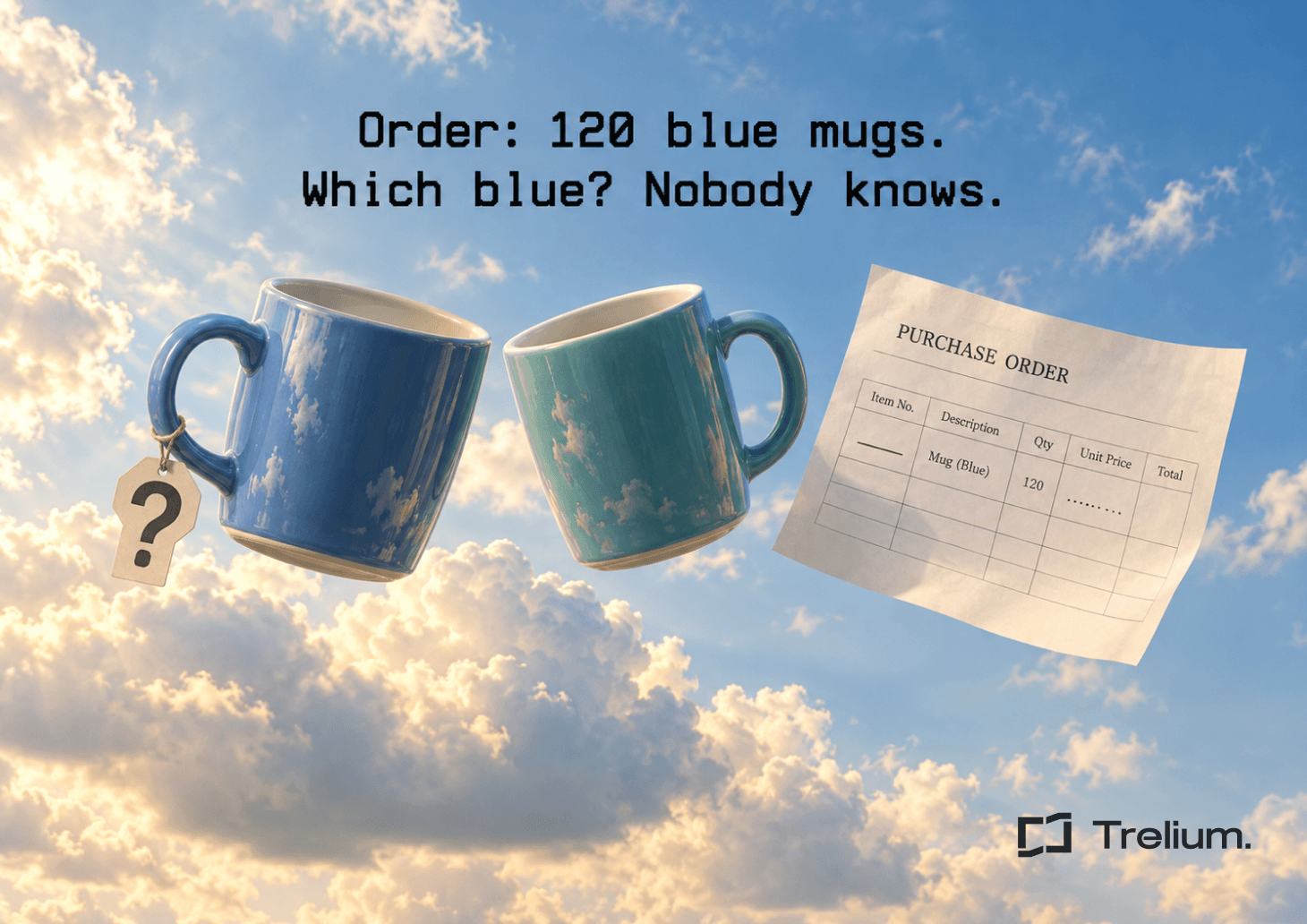
The first PO asks for 120 "blue mugs, same as last time." There is no item number. Last time included two blue mugs, and one of them is technically teal. Everyone will care about that difference right after the logo is printed.
The second PO has an item number and a price from two catalogs ago. Jacob admires its loyalty to the past. Whoever sets your prices probably will not.
The third comes from "Bright Orchard Promotions." Nobody by that name is in your customer list. There is a "Bright Orchard Marketing," but putting the order on their account would turn a spelling question into a billing problem.
Then a fourth arrives. The attached PO says "ship complete." The email says "send whatever is ready." Jacob's coffee is now the only thing on the desk with a clear status: cold.
The people and companies here are made up, but you have probably lived this morning. Before anyone enters an order, someone has to sort out what the PO actually says, what's missing, and what needs a decision from someone with the authority to make it.
Keep a trail back to the source
Keep the original email, the attachments, the time it arrived, the sender, and the customer's PO number. Pull the details into a working copy of the order, but never replace the original. Every important detail on that copy should point back to where it came from: the PO, an approved quote, the customer's record, or a later answer from someone.
This matters because three very different situations can look the same on screen:
- The PO says "navy."
- The PO says "NV," and you have an approved note that this customer's "NV" means navy.
- The tool thinks it's probably navy because the customer usually orders navy.
The first two have a real basis. The third is a question for a person, even if the tool sounds sure of itself. Confidence can help decide what gets looked at first, but it doesn't give anyone permission to invent order details.
A checklist of what an order needs already exists in the wild. One real supplier's published ordering flow asks for color, quantity, imprint, shipping, a PO number, and artwork, as you can see in Hit Promotional Products' online ordering guide.
What software can check on its own, and what it can't
Some checks are simple yes-or-no questions. Software can handle these safely, every time:
- Is the item number on the PO a real item in your catalog?
- Do the sizes add up, and does quantity times price match the line total?
- Have we already entered this same order?
- Does the customer match an account you already have?
- Are the basics there, like a ship-to address, an in-hands date, and artwork?
Other questions are judgment calls. Which mug did they mean? Should we honor the old price? Is this a new customer or a typo? Software can pull together the facts, but it shouldn't make the call. Being pretty sure is not the same as knowing.
Small cleanup is fine, like fixing extra spaces or putting a date in your usual format. But it has limits. Trimming spaces off an account number is harmless. Dropping the leading zero from an item number can turn it into a different item. Spelling out an abbreviation is only safe when you know what it means for that customer. Changing a ship-to address is never small cleanup. Whenever something gets tidied up, keep the original so anyone can see what changed.
The tool also has to be honest about what it couldn't check. If your pricing system was down, the price wasn't "checked." If an attachment wouldn't open, the order isn't empty, and an unreadable number should never quietly become a zero. Each part of the order should show whether it checked out, is missing, conflicts with something, or couldn't be checked.
Four messy POs and what should happen
No item number
The tool can look back through this customer's past orders and show both mugs side by side: item numbers, colors, and when each was ordered. It should not quietly pick the newer one because that's probably what "last time" means.
Take PO 1048, the 120 blue mugs. The quantity is clear, but the mug is not. Two catalog items fit, and no approved quote or saved customer note points to either one. So the tool records both candidates, keeps the quantity on the draft, and asks whoever knows the product: "For the 120 blue mugs on PO 1048, do you want MUG-14 in blue or MUG-22 in teal, or something else?"
Until someone answers, it doesn't create an order that can go to production, swap in either mug, or confirm a price or delivery date. When the answer comes in, it rechecks price, imprint options, stock, and schedule for the mug that was chosen. A good result for this PO is one open question and nothing released.
Price doesn't match
The tool compares the PO price with the price that should apply: the customer's quote, their contract pricing, or your price list, in whatever order your shop normally follows. Today's catalog isn't automatically right if the customer has an approved quote. And an old price isn't permission to give a discount.
Say the PO shows $3.20 and the approved price is $3.60. The tool shows both numbers, where each came from, and whether the quote still holds for that quantity. Then it asks whoever handles pricing: "Should this line be $3.60, or did someone approve $3.20?" The line waits. Accepting the lower number and quietly swapping in the higher one are both changes to the customer's order.
Customer you can't find
Before asking anyone, the tool should search your customer list, including other names saved for each account. A similar name or the same email domain is a good clue, but it's not enough to bill someone.
So it asks whoever manages accounts: "Which account should Bright Orchard Promotions go under, or is this a new customer?" It should never create an account, copy someone else's payment terms, or borrow another customer's billing details to keep things moving.
Instructions that contradict each other
"Ship complete" in the PO and "send whatever is ready" in the email can't both be followed. The tool should keep both, with a note on where each came from. If your shop has a clear rule (say, the buyer's email always wins) and the sender is allowed to make that call, the tool can follow it.
If not, it asks whoever owns the order: "Should this ship all at once, or in pieces as items are ready?" A faster shipping method can cost more and still miss the deadline, so the tool shouldn't promise a delivery date on its own. After the answer, it rechecks freight, dates, and quantities.
Make the question easy to answer
Forwarding a PO with "please review" just hands the detective work to someone else. A good question includes:
- Which order and which line
- What the PO said, word for word
- What your records say
- What's already been checked
- What the answer affects
- The exact question
- What's on hold until someone answers
Send each question to the right person. Product questions go to someone who knows the catalog, price questions to whoever approves pricing, customer questions to whoever manages accounts. If one order has several questions, one person should own the whole thing, and related questions should go out together.
Not every question is equally urgent. An artwork question on an order with an event deadline matters more than a routine account question. Judge urgency by the customer's confirmed deadline and where the order is in production, not by which email says "urgent." If nobody responds in time, the question goes to a named backup instead of the whole team.
Only try again when something has changed
Rereading the same unclear PO an hour later won't make it clearer. The tool should try again when an answer comes in or a record changes, not because time has passed. If a system was briefly down, it can retry a few times and then flag someone. If information is missing, retrying does nothing. It needs an answer.
When an answer arrives, the tool ties it to the original question, records who gave it, and rechecks everything it affects. A different mug can mean a different price, imprint options, and ship date, so clearing the item question shouldn't clear everything else.
Before entering an order again, check whether it's already in your system. If an entry looked like it failed, check whether it went through before trying again. Nobody wants the same order entered twice.
Keep a record of who decided what, when, and the order number that resulted. Getting the order entered is one step. Checking that it's ready for production is a separate one, covered in our post on sales order readiness review.
Incomplete PO checklist
- The original PO and related emails stay attached to the order.
- Every important detail shows where it came from and whether it checked out.
- Items, customers, and prices are matched against your records, not guesses.
- Cleanup never changes what an item number, address, or price means.
- Missing details and contradicting instructions stay on hold until the right person answers.
- Every question has an owner, a clear question, and a deadline based on the customer's real date.
- Retries have a limit and only happen when something has changed.
- Before re-entering an order, the tool checks it isn't already in the system.
- Answers trigger a recheck of anything they affect.
- Once entered, the order number is recorded.
- Unanswered questions stay visible until someone closes them.
How to tell if it's working
"Percent automated" sounds good, but it can hide a lot of mess. Better questions:
- How many guesses did a reviewer catch before they got into an order?
- How many entered orders had to be fixed later?
- How many problems slipped through without being flagged?
- How often did the tool ask for help it didn't need, or ask for the same thing twice?
- How long do questions sit before someone answers?
- Were any orders entered twice, or released with a question still open?
To get a fair read, take a batch of real POs that includes clean, incomplete, revised, and contradictory ones, and have your order-entry team agree on the right outcome for each before you run the tool. Then compare what the tool costs with the hours it saves. Our guide on measuring AI workflow cost and ROI walks through how. The goal is less cleanup and fewer loose ends, not a bigger automation number.
Frequently asked questions
Can an AI agent enter a PO with a missing item number?
It shouldn't make one up. It can suggest likely items from past orders and your catalog, but that line should wait until a person confirms which item the customer wants.
Should the agent fix a PO price that doesn't match?
It should compare the PO price with what the customer is supposed to pay, like their quote or contract price. If they don't match and there's no clear rule, it asks whoever handles pricing before entering the line.
What should it do with a customer it doesn't recognize?
Search your customer list first, including other saved names. If there's still no clear match, ask whoever manages accounts. It should never guess at an account or set up billing on its own.
When should it try an incomplete PO again?
When an answer comes in or a record changes. If a system was briefly down, it can retry a few times, but it should check the order isn't already entered first.
What does a good handoff to a person look like?
The right person gets the facts and one clear question, so they can answer in a minute instead of digging through emails. It's finished once the answer is recorded, the order is rechecked, and it's either entered or closed on purpose.
Put the rules into the workflow
Entering incoming POs is one of Trelium's order workflow use cases. Before you set anything up, write down where your orders arrive, where they need to end up, who gets the tricky ones, and how work picks back up once a person has answered. Start with the decisions your team already makes the same way every time. Then decide exactly where the tool should stop and what it needs from a person to keep going.

Anindo Neel Dutta
Member of GTM Staff
Get started
Ready to see Trelium in action?
Schedule a 30-minute conversation about the workflow you want Trelium to handle.
Talk to a Human→