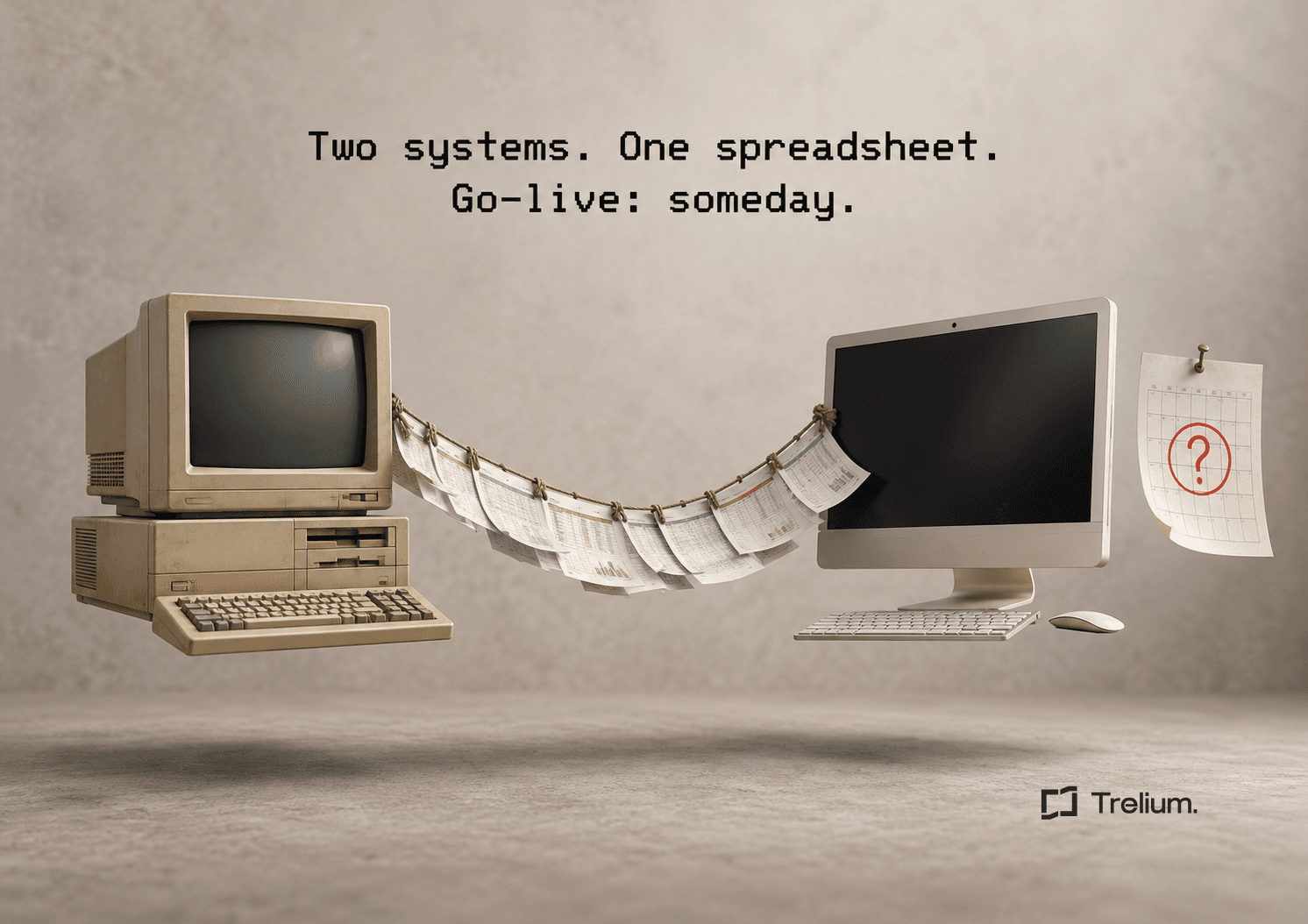
Marisol runs operations at Kettle Hill Promotions, a made-up mid-size promo distributor. It is week three of the ERP migration. She has both systems open at once: the old ERP, which everyone knows how to use and nobody is supposed to touch, and the new ERP, which everyone is supposed to use and nobody quite knows how to. Between them sits a shared spreadsheet called FINAL_v3. There is no FINAL_v2 in the folder, and nobody will say what happened to it.
At 10:15 a PO arrives from a long-time customer. The customer number on the PO exists in the old system. In the new system it matches two accounts, one of which appears to be a test record named DO NOT USE 2. Marisol checks FINAL_v3. The row for this customer has a comment that says "ask Gary." Gary is on vacation.
Go-live is officially six weeks away. The date is printed on a slide, which is the most confident place it exists. Meanwhile, sales has asked whether they could automate PO entry now, since things are "kind of slow" during the migration. Marisol would like to know which things they mean.
The people and company here are made up, but the week probably sounds familiar. Some automation can help during a migration, as long as it doesn't depend on questions FINAL_v3 can't answer.
During an ERP migration, prioritize limited workflows that only read information or prepare drafts, and that rely on one clearly identified trusted source of information. Delay live changes to records when record ownership, field meaning, or behavior at switchover (when work moves from the old system to the new one) is unresolved. A stable input and a reversible output are more useful starting points than a broad automation tied to a changing interface.
The decision depends on the migration plan. Use the data the workflow actually relies on and the actions it is permitted to take to decide whether it can run now, needs a manual checkpoint, or should wait.
Draw the transition map
Before selecting a use case, establish which system owns each category of information during the migration. Customer records may move on one date, open orders on another, and historical invoices through a separate process. A user who can log in to both systems still needs to know which record is authoritative.
Write down the transition dates, the owner of each set of data, and how updates flow between systems. Include temporary spreadsheets and manual workarounds. They are part of the real operating environment even if they do not appear in the planned setup.
If ownership is unresolved, the automation should not decide for the business. Route that question to the migration lead before allowing a workflow to change records.
Marisol spends Wednesday turning FINAL_v3 into an actual map. It takes most of the day. Customer records move in week five, open orders in week seven, and historical invoices "after go-live, probably." It is the first time anyone at Kettle Hill has seen all three dates in one place, and the room goes quiet for a moment when they do.
Look for work with limited coupling
Consider tasks whose output is useful without immediately writing into the ERP. These workflows can help a team prepare cleaner work while the destination system changes. They still need approved data access, representative testing, and a clear owner.
Can run now: reading and drafting only
- Organizing incoming order attachments
- Pulling out a proposed set of details for review
- Checking whether required information is present
- Drafting internal exception summaries
Wait: live changes with open questions
- Record ownership is unresolved
- Field meaning is unresolved
- Switchover behavior is unresolved
Avoid calling a read-only process risk-free. It can expose information, produce a misleading recommendation, or direct attention to the wrong order. Keep its scope and review requirements explicit. Choose the smallest output the team can use today, rather than designing for every possible feature of the future ERP.
A worked migration triage
A supplier still receives POs by email while customer records move to a new ERP. One proposed workflow groups the attachments and prepares the details pulled from each PO for review. That can be evaluated separately from another workflow that creates live sales orders.
Input
a PO naming a customer with an old account number.
Check
which approved system or account-number match currently owns that identity?
Action
prepare a draft linked to the source if the match is known.
Stop
route the missing match to the migration owner if it is not.
The draft workflow must not silently create a second customer in the new ERP. At switchover, recheck the account-number matches, logins, queued work, and how the new system behaves before expanding to live changes. This is a made-up decision pattern, not a claim that any particular migration or connection to your software supports these steps today.
Separate business rules from where the data lives
A rule such as "request production approval when the requested date is earlier than the approved schedule" may survive the migration. The place where the workflow finds that schedule may change.
Document those elements separately. Keep the business decision, its required inputs, and the permitted outcome distinct from the technical details used to retrieve or update data.
This helps avoid rewriting the whole workflow when a field moves. It also gives the migration team something concrete to review: which values the process depends on, what they mean, and what happens if they are absent.
Do not assume similarly named fields are equivalent. Confirm units, status meanings, required values, and ID formats with the owners of the old and new systems.
Build a representative test set
Include orders that expose the transition's difficult edges: old customer numbers, partially fulfilled orders, revised quantities, unusual charges, and records that were created before a merger or system change. Keep the expected answer with each example. If historical data is excluded from the test environment, state that limitation plainly. Passing a test with recent orders does not establish that a repeat-order lookup will work for older ones.
Microsoft's data-migration switchover guidance emphasizes planning for production-scale data and checking the old and new data against each other before final switchover. For an automation pilot, apply the same discipline to the records and conditions it will actually encounter.
Record which gaps require manual handling during the transition. That list becomes part of the operating plan, not an embarrassment to hide until launch.
Marisol's test set includes the customer with two accounts in the new system. It also includes an order from 2016 that nobody wants to look at directly. Both stay in, with the expected answer written next to each.
Make the switchover a controlled event
Decide when the agent will stop using the old system and what must be true before it starts using the new one. Account for work already in the queue. An order received before switchover may still need completion afterward. Preserve its source reference and execution history so the team can determine whether an action has already occurred.
Set a change window, a named decision maker, and a plan to undo the change or carry on manually. Test logins and permissions in the destination environment before the first live transaction.
Avoid updating both systems at once
Avoid updating records through both the old and new systems at the same time unless duplicate prevention and ownership have been deliberately designed. Otherwise, two apparently successful workflows can create conflicting records.
Recheck the economics and the workload
A temporary automation can be worthwhile, but include its migration-related maintenance cost. A process that saves a few minutes and needs substantial rebuilding in a month may be a poor use of the team's limited attention.
Ask whether the workflow reduces migration work, protects an important deadline, or teaches a reusable business rule. Those benefits can matter even if the first version is short-lived.
Agree on a retirement condition for any temporary step. Without one, a spreadsheet bridge or manual approval queue can become permanent by accident.
Next step
The practical next step is a short conversation with the migration owner. Bring one proposed workflow, the data it relies on, its permitted actions, and its fallback. If those boundaries are clear, the team can decide whether to pilot it now or wait for the new system to stabilize.
Limits of this guidance
Read-only is not risk-free
Read-only and draft workflows can still expose data or produce misleading output. A migration-safe design requires approved access and data ownership; it cannot be inferred from a successful login.
Week four at Kettle Hill
Marisol brings one workflow to the migration lead: group incoming PO attachments and prepare the details pulled from each PO for review, linked to the source, with no changes made in either ERP. The customer-matching question goes to the migration owner, where it belonged all along. Gary comes back from vacation and confirms that DO NOT USE 2 should, in fact, not be used.
The go-live date moves by two weeks. Nobody is surprised. The review workflow was never tied to that date, so it can be judged on its own schedule. FINAL_v3 is still open in a tab, but it has a retirement condition now, which is more than most spreadsheets ever get.

Anindo Neel Dutta
Member of GTM Staff
Get started
Ready to see Trelium in action?
Schedule a 30-minute conversation about the workflow you want Trelium to handle.
Talk to a Human→