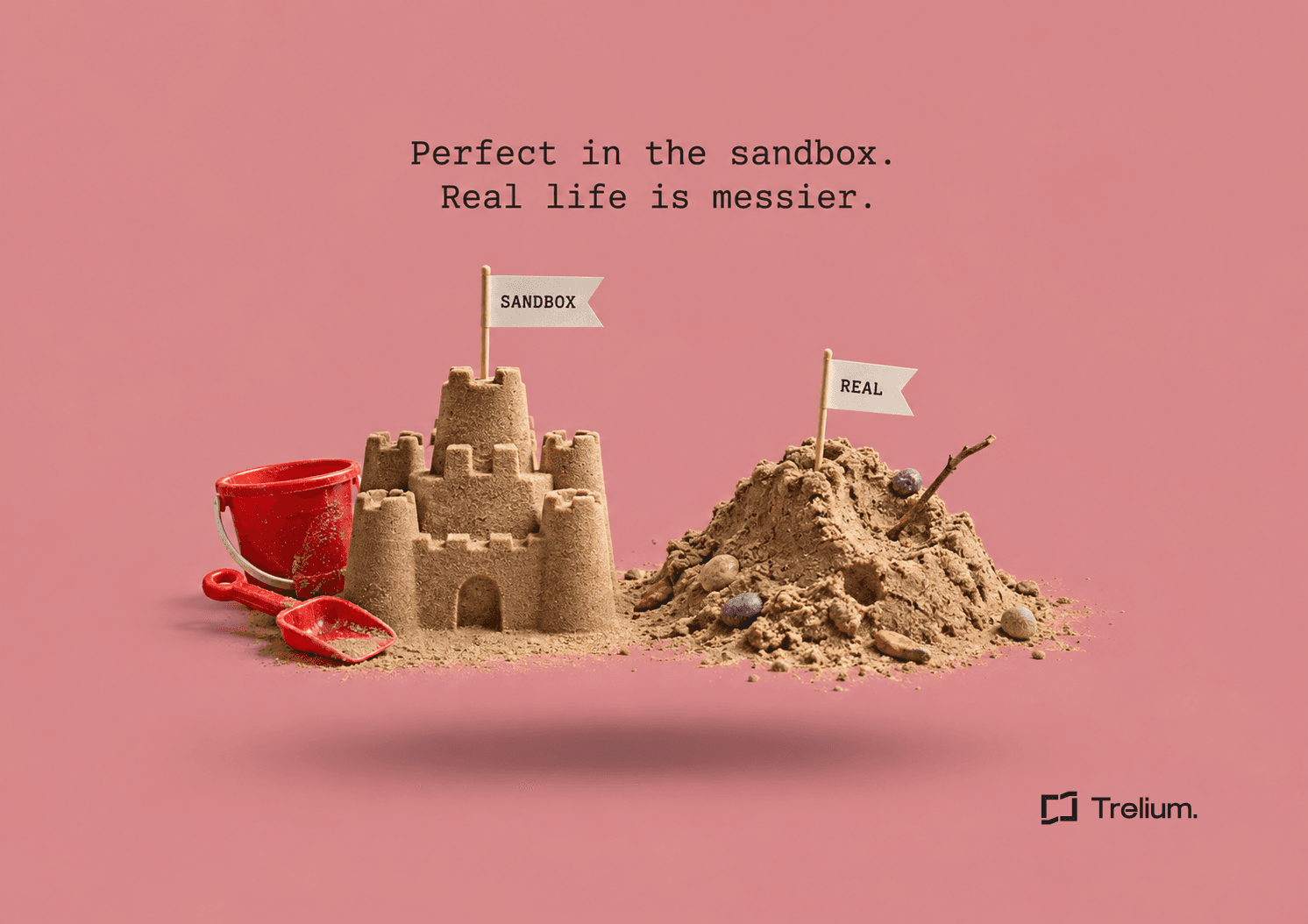
Taylor's sandbox pilot is going beautifully. Taylor is the business systems lead at Ridgeline Brands, a fictional promo distributor, and the AI workflow has turned twelve sample POs into twelve perfect draft orders in the sandbox. Every customer matched on the first try. Every custom field filled in. The demo for the steering group takes four minutes, and someone asks if they can just turn it on next week.
Then Riley from customer service looks over Taylor's shoulder and asks which customer has only one shipping address. Taylor checks. All of them do. In production, Ridgeline's largest account has 41 addresses, half named some version of "Main Office." The sandbox customers also have no order history, no attachments, and a decoration code field that was populated by someone in IT who typed "test" into all of them in 2024. The pilot isn't wrong. It's just been tested against a version of the company that has never had a bad day.
A useful sandbox pilot tests one bounded workflow against prewritten expected results, including cases that should pause. It should show correct record matching, required field handling, approval boundaries, and recovery before anyone considers a separately approved production rollout. A sandbox label alone doesn't mean the workflow can't send real email or reach a production system.
The plan below is a recommended framework, not a reported pilot result. It's about making the sandbox resemble the work, and being honest in writing about where it can't.
Agree on what the pilot is allowed to do
Pick one process with a clear start and finish. For Ridgeline, that's reading sanitized POs and creating draft sales orders for review. Then list the things the pilot excludes: sending customer email, releasing production, changing payment terms, and modifying user access.
Name the business owner, the technical owner, the reviewer, and the person who can stop the pilot. List the approved data sources, tools, and destinations. Setting up the pilot's own account and permissions is its own task, covered in our post on dedicated, least-privilege accounts. The pilot plan should simply point to that record rather than ask for production access "to be safe."
Decide what success means before running anything. Useful measures include required field accuracy, correct record matching, exception detection, duplicate handling, completion time, review effort, and cost per accepted result. Set thresholds by what a mistake would cost rather than borrowing a generic accuracy target.
Check the exits
A sandbox can still be wired to a real email service, a supplier ordering endpoint, or a production file share. Before the first run, have IT list every outbound connection the sandbox has and confirm where each one actually goes.
Find out what your sandbox actually contains
Sandboxes are often copies of production's setup, not its data. Salesforce's sandbox guide explains that sandboxes replicate production metadata, while how much business data comes along depends on the sandbox type. A familiar screen doesn't mean the environment has representative customers, history, or linked records.
For any ERP or CRM, write down the release, custom fields, enabled modules, validation rules, role permissions, integrations, and relevant configuration. Compare each with production and note every difference that could change the outcome. Taylor's version of this list has three uncomfortable lines.
- Addresses. Sandbox customers have one shipping address each. Production customers can have dozens with near duplicate names.
- History. The workflow matches repeat orders against past orders. The sandbox has none, so repeat order matching is untested.
- Custom fields. Production requires a decoration code from a controlled list. The sandbox field accepts free text and contains "test."
If the workflow depends on something the sandbox doesn't have, either add a representative version of it or state clearly that this part remains untested. A successful create against a field that would be rejected in production is not a pass.
Whether the ERP's API supports each field and action is a different question, and our ERP API coverage checklist handles it. This post assumes the route exists and asks whether the test data is honest.
Make the data realistic without exposing more than you need
Prefer synthetic or sanitized records that keep the relationships the test depends on. An order should still connect to the right customer, product variants, addresses, artwork, and prior orders where those links matter. Ridgeline's fix is to build one synthetic customer modeled on the 41 address account, with deliberately confusing address names and a year of invented order history.
Sanitizing takes more than replacing names in a spreadsheet. Review free text notes, attachments, email addresses, phone numbers, IDs, and linked files. Keep matching consistent across related records, so the same fake customer is the same fake customer everywhere, without keeping sensitive details the pilot doesn't need.
Salesforce offers a Data Mask package for masking sensitive production data copied into sandboxes, described in its Data Mask setup module. It has to be installed and configured, it doesn't support every field type, and masking applies when a sandbox is created or refreshed, so check your field types and edition before planning around it. For any real data that stays in the sandbox, confirm who approved it, who can access it, and when it gets deleted.
Build test cases around how the work actually varies
Include the ordinary orders and the exceptions that create real risk. For draft order entry, that means multiple decoration locations, mixed sizes, split shipments, changed addresses, missing artwork, a repeat order with different quantities, and a customer whose name looks like another's. Add canceled orders, outdated documents, inconsistent quantities, and products you don't sell.
Write the correct result for each case before running the workflow. Some cases should end in a draft. Some should stop with a specific question. When the rules say pause, a correct pause is a success.
Here's a small synthetic pack Ridgeline might start with. These are example cases and expected results, not observed results or universal thresholds.
- Clean PO. Known customer, valid variants, approved artwork. Expect one draft with the specified fields and the file linked, and nothing released.
- Ambiguous customer. Two similar names and not enough detail to tell them apart. Expect a pause asking for the missing detail, with no draft assigned to a guess.
- Many addresses. The PO says "Main Office." Expect a pause listing the candidate addresses, not a pick.
- Repeat PO. The same PO reference arrives twice. Expect the existing draft to be found or the duplicate sent for review, and no second order.
- Missing decoration. Quantity is clear but the imprint location is absent. Expect the field to stay visibly empty rather than filled in.
- Interrupted create. In a safe test, cut the connection after the create is sent but before confirmation returns. Expect the workflow to check the sandbox for the record before writing again.
Keep a separate set of cases for the final evaluation, so the result isn't judged only on examples the implementer has already seen many times. Record changes to instructions, mappings, tools, and business rules between runs.
Test approvals and failure, not just success
If a reviewer changes an amount or a destination, the workflow should check the revised action rather than rely on approval of the earlier version. Inspect the record in the system and the audit trail, not just the workflow's completion message.
Also expire a session, revoke a permission, and make a required service unavailable. Confirm the owner gets enough context to recover the job. Log input IDs, expected results, observed results, exceptions, reviewer corrections, and final outcome, without storing more sensitive source content than you need.
Report routine cases separately from exception cases. That way correct pauses don't show up as failures, and wrong completions don't inflate the success rate.
Prepare the launch decision as a separate approval
The pilot report should say what was tested, what passed, what failed, and which production differences remain. Keep observed results separate from estimates about larger volumes. Include ongoing ownership, monitoring, access review, cost oversight, and how the workflow would be paused or rolled back.
Prepare the security evidence alongside the functional results. Procurement and security teams typically ask about data flow, subprocessors, retention, how model providers handle data, account permissions, and vendor support access. Ask the vendor for current, documented answers rather than relying on a slide. A useful pilot report includes the questions that are still open.
| Pilot report section | What it should contain |
|---|---|
| Scope | The one workflow tested, and the actions excluded |
| Environment differences | Every known difference from production, and whether it was simulated or left untested |
| Results | Routine and exception cases reported separately, with the case pack attached |
| Open security questions | Data flow, subprocessors, retention, model data handling, support access |
| Production conditions | Owner, review gates kept from the pilot, starting volume, stop and rollback plan |
Approve production as its own scoped decision. Start with the verified workflow and a controlled volume, and keep the review gates the pilot justified. Sometimes the right decision after a good pilot is to fix a gap first.
Sandbox pilot checklist
- One workflow, with excluded actions written down.
- Named business owner, technical owner, reviewer, and person who can stop it.
- Every outbound connection from the sandbox listed and checked.
- Success measures and thresholds written before testing.
- Differences between sandbox and production listed, including custom fields, history, and linked records.
- Synthetic or sanitized data that keeps the relationships the test depends on.
- A case pack with expected results, including cases that should pause.
- A separate final evaluation set.
- Approval changes, expired sessions, revoked access, and interrupted writes tested.
- A report that separates observed results from estimates and lists open security questions.
Frequently asked questions
Does a Salesforce sandbox include production data?
It depends on the sandbox type. Salesforce's documentation says sandboxes replicate production metadata, while the amount of business data copied varies by type. Check what yours actually contains before relying on it.
Can an AI pilot in a sandbox still affect real customers?
Yes, if the sandbox is connected to a real email service, supplier endpoint, or production file share. List every outbound connection before testing and confirm where each one goes.
What makes sandbox test data representative?
It keeps the relationships and messiness the workflow will meet in production: multiple addresses, similar customer names, order history, attachments, and required custom fields. Synthetic data can do this if it's built to mirror those patterns.
What should an AI sandbox pilot report include?
What was tested, what passed and failed, the differences from production, routine and exception results reported separately, and open security questions. It should also state the conditions for a production rollout as a separate decision.
Does a successful sandbox pilot prove the workflow is ready for production?
No. It shows the tested cases worked in the tested environment. Production permissions, live data quality, peak volume, and every connected service remain untested until checked, and those gaps belong in the launch decision.
Back at Ridgeline
The second demo for the steering group takes eleven minutes instead of four. Two orders pause on "Main Office," one waits for a decoration code, and a repeated PO is caught as a duplicate. Taylor walks the group through the report, including the line that says repeat order matching against real history is still untested.
Nobody asks to turn it on next week. Instead they approve a production start limited to new customers with a single address, with every draft reviewed. Riley, who started all this, is named reviewer. It's a less exciting meeting than the first one, and a much more useful one.

Ritanshu Dokania
Co-Founder
Get started
Ready to see Trelium in action?
Schedule a 30-minute conversation about the workflow you want Trelium to handle.
Book a Demo→