Walter in IT at Birchwood Promotions, a distributor, gets a message from the operations lead, Marisol, on a Wednesday afternoon. It says, "Can the robot just click through the ERP like I do?" Walter asks which ERP screen she means. Marisol says the one that looks like a spreadsheet with a headache.
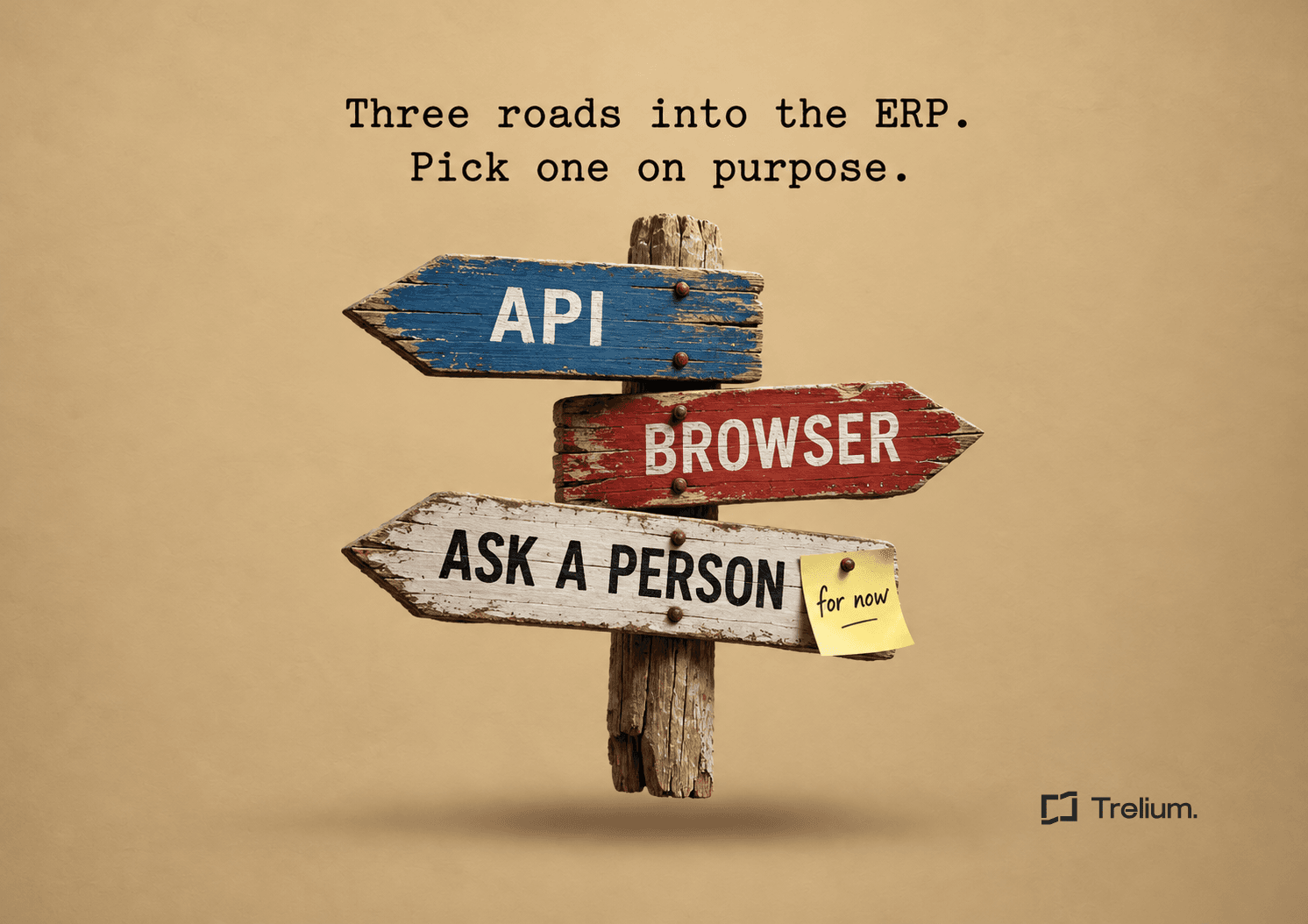
It turns out the screen lives in a Windows client that people reach through remote desktop, on a server the office laptops can see and a cloud agent cannot. Walter now has three possible answers: use the API, use a browser, or admit that the last step stays with Marisol for now. He picks a fourth, which is to make a coffee and write a checklist. This is that checklist.
Choose an API when it can complete and verify every required step with the intended ERP role. Use a supported browser route for a demonstrated gap, with explicit recovery and maintenance ownership. Keep the affected step manual when neither route has approved access or reliable completion evidence.
This is a recommended decision framework for operations and IT buyers. Evaluate one whole job, such as turning an approved purchase order into a draft sales order with artwork, before judging an integration by its connector name. If you already know the API exists and want a field by field coverage test, see Your ERP Has an API. Does It Cover the Workflow You Need?. This guide starts one step earlier and asks which route to take at all.
Start with the system you actually run
Record the ERP product, release, deployment model, custom modules, and application owner. "We use an ERP" or "it is in the cloud" leaves too much unspecified. A web application hosted on a private network presents different access requirements from a public SaaS application, and a Windows client reached through remote desktop is different again.
Ask IT where the automation would run and whether that environment has an approved route to the application. Confirm identity, network access, supported operating environment, and vendor restrictions together. An agent cannot reach a private server merely because an employee can reach it from an office laptop. Creating a new network route also deserves security review, and it should not be an improvised implementation shortcut.
Choose an API when it covers the job
An API gives software a defined way to request data or perform actions. It is usually a sensible starting point when the ERP supports the necessary operation, fields, authentication, and volume. Structured requests make it easier to validate required inputs and inspect returned identifiers.
Coverage still needs testing, and vendor reference material only helps you decide what to test. Have the implementer demonstrate your freight fields, line item options, linked records, and attachments using the intended role. A successful order header creation is insufficient if decoration details disappear or approval rules behave differently.
Evaluate browser work on its own merits
Browser automation may be useful when a supported web interface exposes a necessary operation that the available API does not. It can also preserve an established review process that exists in the application interface.
The pilot must account for page changes, loading delays, pop up windows, validation errors, expired sessions, and authentication challenges. Require the workflow to identify the correct record before editing, inspect the resulting values, and stop when the expected screen is absent. A screen that looks familiar is weak evidence if two customers have similar names.
Test access in the actual execution environment. Ask which browser, authentication methods, downloads, uploads, and application controls the vendor supports. Include a maintenance owner and a way to pause affected runs after an ERP interface update. Browser access has value, but it does not guarantee coverage of every feature visible to a person.
Treat desktop applications as a separate category
A browser agent should not be assumed to operate installed desktop software, remote desktop sessions, or special device controls. Some automation products support those environments through separate desktop capabilities, and others do not. Verify the exact supported path and its licensing, security, and runtime requirements.
If the only route is unsupported, keep the final ERP step manual. The workflow may still extract order details, validate product references, and prepare an entry packet for staff. That narrower scope can be useful without creating a fragile dependency on an unproven interface.
Illustrative decision for a draft sales order
The following is a hypothetical evaluation and not a customer result. A distributor wants to enter a 300 piece order, attach two artwork files, and leave production release to a person.
- Test customer matching, line creation, decoration fields, and draft status through the API with the intended account. Record the returned order ID and read back each required value.
- Suppose the API route creates the draft but the attachment step remains unverified. Mark that step open, and do not label the order complete.
- Test a supported browser attachment route against the same order ID. Require both files to appear on that record. If the page changes or sign in expires, stop and retain the known draft.
- If neither attachment route is supported, send an internal handoff containing the order link, file names, and the missing step. Staff attach the files and confirm completion.
The purchasing decision is then specific. Run an API only pilot if all steps pass, a mixed pilot if the browser step passes, or a preparation only workflow with a manual attachment step. Compare maintenance and exception work for those actual scopes.
Compare completed work, not individual calls
Estimate total cost for a representative workload. Include implementation, application licenses, agent usage, infrastructure, authentication interruptions, exception review, and maintenance. Measure successful business outcomes instead of comparing an API request with a browser click.
In a hypothetical pilot, an API route creates most orders but sends complex decoration jobs for review. A browser route handles those options but requires more execution time and more support after interface changes. Either could be the better choice depending on volume and the cost of errors, so record those observations instead of assuming one method always wins.
A mixed route needs explicit handoffs. Save the ERP record identifier after creation so a later browser step updates the same order. If the attachment step fails, route that known order for repair instead of starting again and risking a duplicate.
Decision checklist
Before approving a route, ask:
- Can it reach the system through an approved connection?
- Does the intended account have sufficient, bounded permissions?
- Are all required fields, actions, and approval steps covered?
- Can it detect an incomplete result and avoid duplicate work?
- Who handles expired sessions, failed runs, and application changes?
- Does measured cost per completed task justify the scope?
Then classify the workflow as ready for a controlled pilot, ready with named manual handoffs, or unsupported for now. That classification gives operations a realistic process and gives IT a clear boundary to review.
What this decision does not establish
A successful pilot establishes coverage only for the tested release, role, records, and execution environment. It does not demonstrate unattended desktop access, every custom field, peak volume reliability, or a lower cost than the current process. Record those open questions before expanding.
FAQ
When should I choose an API over a browser agent for ERP automation?
Choose the API when it can complete and verify every required step using the account the workflow will actually run under. That means the fields, linked records, attachments, and approval steps all work, and the result can be read back from the ERP. If any step is unverified, mark it open and evaluate another route for that step only.
When is a browser route reasonable?
A supported browser route fits a demonstrated gap, such as an attachment step the API cannot perform. It needs a named maintenance owner, a way to pause runs after interface changes, and checks that the right record is open before anything is edited. It also needs to be tested in the real execution environment, including sign in and file handling.
Can a browser agent operate a desktop ERP client?
Do not assume so. Some automation products offer separate desktop capabilities and others do not, and remote desktop sessions add their own access requirements. Confirm the exact supported path, its licensing, and its runtime requirements before planning around it. If there is no supported path, keep that step manual.
What does "no fit" mean?
No fit means neither route has approved access or reliable evidence of completion for a given step, so a person keeps that step for now. The workflow can still extract data, validate products, and prepare an entry packet for staff. A deliberate handoff like this is a complete process as long as the missing step is visible and owned.
How do I avoid duplicate orders in a mixed API and browser workflow?
Save the ERP record identifier as soon as the order is created, and have every later step act on that identifier. If a later step fails, route the known order for repair instead of starting over. Look up the record by a stable reference before repeating any uncertain write.

Ritanshu Dokania
Co-Founder
Get started
Ready to see Trelium in action?
Schedule a 30-minute conversation about the workflow you want Trelium to handle.
Book a Demo→