On Monday morning, the IT lead at a distribution company opens an email forwarded by the controller. It asks whether the company can run an invoice matching agent, with one condition underlined: nothing leaves the network. The ERP sits on a server in the building, the scanned invoices sit on a file share, and supplier emails come through the company's own mail server. By lunch, the IT lead has a page of questions. Which servers? Which network changes? Which model? Who approves upgrades?
Those are the right questions. For a team whose ERP and file shares live inside its own network, the first question about AI agents is rarely what they can do. It is what the team would have to stand up to run them there, and who has to sign off. This post walks through each requirement, what your team should decide before the first call, and what gets settled together with Trelium.
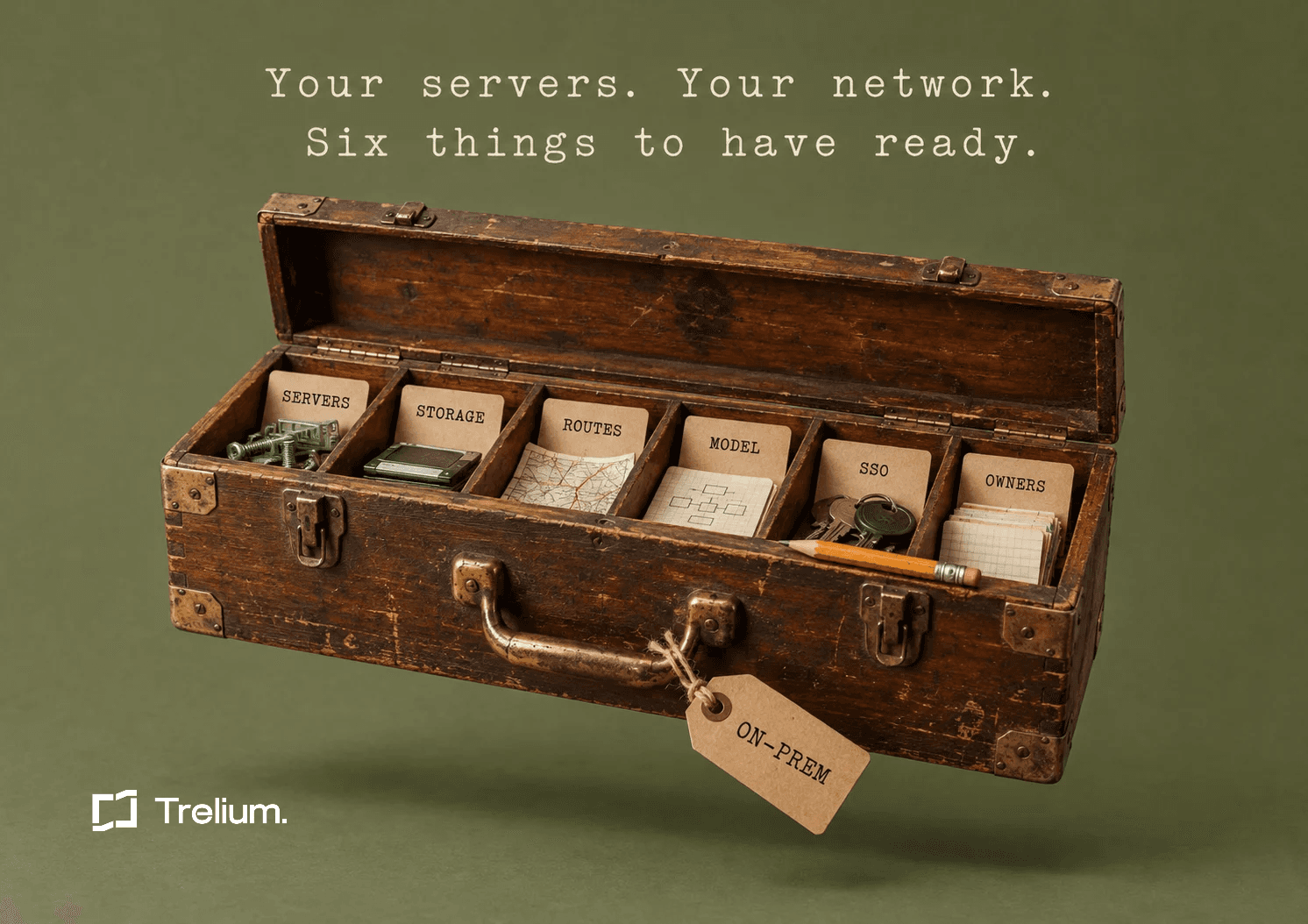
To run AI agents on-premises or in a private cloud, you need six things: servers you operate, persistent storage for run history and audit logs, internal routes to every system the agents work in, a model endpoint your security team has approved, a SAML identity provider, and named owners in IT and in each workflow. Hardware sizes, platform details and network specifics are confirmed during an architecture review, not guessed up front.
First, check that on-prem is the right fit
On-prem is the right call when at least one of these is true:
- The data your agents will touch, such as customer POs, supplier invoices and ERP records, can't leave your network.
- Your ERP isn't reachable from the internet.
If neither applies, and keeping data in a specific region is enough for your policies, a hosted option may be simpler. Trelium Cloud runs in a US or EU region and is operated by Trelium, so your team doesn't run any servers. The two are the same platform. Trelium on-premise is not a lite edition, so the choice comes down to where the data has to live and who you want running the infrastructure.
What gets installed in your environment
The full platform installs in your data center or private cloud. Documents, records and agent activity stay inside your network. It has four parts, and each one has a different footprint on your side.
Connectors
Connectors talk to your ERP, databases, mail server and file shares over the internal network. None of them are exposed to the internet. This is the part your network team will care about most, because every connector needs a route to a system you already run.
Agent runtime
The runtime is what does the work: reading a PO from the inbox, keying a sales order, matching an invoice to a PO, or drafting an order status reply. It runs on servers your team operates.
Data and audit store
Run history, source documents and audit logs are written to your storage and kept as long as your retention policy says. Your records team, not the vendor, decides how long that is.
Admin and identity
People sign in through your identity provider. Roles and approvals work the same way they do in Trelium Cloud, so a security reviewer who has seen the hosted product is looking at the same controls.
The infrastructure checklist
1. Servers in your data center or private cloud
The number of servers depends on how many agents you plan to run, and it is sized together with Trelium. Before that conversation, write down the agents you want in the first phase and the ones you expect to add later. A list like "order entry and PO entry now, invoice matching next quarter" is enough to start.
Specific CPU, memory, GPU and storage sizes, supported operating systems, and whether the install runs on virtual machines or a container platform are all confirmed during the architecture review. If a document you are reading gives you those numbers without knowing your agent count, treat them with caution.
2. Persistent storage
Agents produce three kinds of records you will want to keep:
- Run history: what each agent run did and when.
- Source documents: the files and messages an agent worked from.
- Audit logs: every input, decision and action.
All three are written to storage you operate. Decide ahead of time what retention period applies to each, who inside your company can read them, and whether they fall under an existing backup and records policy. Storage capacity and encryption details for your environment are confirmed during the architecture review.
3. Internal routes to every system an agent works in
Trelium needs an internal route to each system an agent touches. For an order entry agent, that usually means the mail server it reads from and the ERP it writes to. For invoice matching, add wherever invoices and POs are stored.
Exact data flows and ports are worked out in the architecture review, so bring the person who approves network changes to that meeting, along with an inventory like this:
- Each system by name: ERP, databases, mail server, file shares.
- Which agents need it, and whether they read from it, write to it, or both.
- Who on your side owns access to that system.
- How long a firewall or network change takes to approve in your organization.
4. A model endpoint your security team has approved
Agents only call model endpoints your team has approved. Which endpoint that is depends on your data and security policies, and it is settled during the architecture review. If you don't have an approved endpoint yet, Trelium goes through the options with you against your data policies.
Bring your current AI or data handling policy to that conversation, along with anyone who has to approve new data processing. Whatever endpoint you choose, nothing processed through Trelium is used to train, fine-tune or improve any model.
5. A SAML identity provider
People sign in through a SAML identity provider such as Okta, Google Workspace or Microsoft Entra. Before setup, decide who needs access and which of those people approve agent actions. That keeps the approval step in the hands of the people who already own the work.
6. An IT owner and an owner for each workflow
Two kinds of people need to be named before install:
- One IT owner for the install and upgrades. This person works with Trelium's engineers and controls when changes go in.
- One owner per automated workflow. For order entry, that might be the customer service lead. For invoice matching, the AP lead. This person decides what the agent should do with an exception and approves the entries that need a human.
If your first agents sit on the ERP side, see how on-prem ERP automation is set up. If they sit in accounts payable or receivable, start with on-prem financial operations.
The controls carry over from Trelium Cloud
Running on your own servers doesn't mean rebuilding governance. The same controls apply, and the security page has more detail on each:
- SSO through your identity provider.
- Role-based access, so people only see and do what their role allows.
- Human approvals. An agent can wait for a person before posting an entry, releasing an order or emailing anyone outside the company.
- Audit trails. Every input, decision and action is logged, and those logs land in your storage.
Pick approval points before install
Decide which actions should always wait for a person, such as posting a bill or emailing a customer, and have each workflow owner sign off on that list before the agent goes live.
How install and upgrades work
Trelium's engineers do the install, upgrades and support together with your IT team. Nothing is pushed automatically. Upgrades go on your change calendar, so they follow the same approval process as any other change to production systems. How long the install takes depends on your environment and is scoped during the architecture review.
What your security and legal reviewers will ask for
The enterprise page covers the controls, support and paperwork that IT, security and procurement teams ask for. Here is what is available for security and legal review today:
- SOC 2 Type II: the audit is in progress.
- Vendor risk packet: ready on request.
- DPA and MSA: available for your legal team to review.
- Trust Center: at trust.trelium.com.
- Model training: nothing processed through Trelium is used to train, fine-tune or improve any model.
Questions to settle in the architecture review
Some details can't be answered honestly until someone has looked at your environment. Bring these to the review and get written answers:
- How many servers do we need for the agents we plan to run, and with what specs?
- Which operating systems and platforms does the install support in our environment?
- What storage capacity do we need for run history, source documents and audit logs at our retention periods?
- What are the exact data flows and ports between the platform and each of our systems?
- How is data encrypted in our deployment?
- Which model endpoint will the agents call, and where does that processing happen?
- Does our environment's outbound network policy affect the setup?
- How long will the install take, and what do we need ready on day one?
Copy-ready checklist
Paste this into your project tracker and assign an owner to each line.
- Confirm on-prem is required: data can't leave the network, or the ERP isn't reachable from the internet.
- List the agents planned for phase one and later phases.
- Reserve servers in the data center or private cloud, sized with Trelium.
- Provision persistent storage for run history, source documents and audit logs.
- Set a retention period for each of those three record types.
- Inventory every system each agent reads from or writes to.
- Open internal routes to each of those systems, with no exposure to the internet.
- Confirm an approved model endpoint, or schedule the options review.
- Connect the SAML identity provider (Okta, Google Workspace, Microsoft Entra or similar).
- Decide who gets access and who approves agent actions.
- Name the IT owner for install and upgrades.
- Name one owner for each automated workflow.
- Choose which actions always require human approval.
- Add the install and first upgrade to the change calendar.
- Request the vendor risk packet, DPA and MSA for review.
FAQ
Is on-prem a reduced version of the cloud product?
No. On-prem is the same platform that runs Trelium Cloud, installed in your data center or private cloud. SSO, role-based access, human approvals and audit trails work the same way.
What hardware do I need to run AI agents on-premises?
It depends on how many agents you plan to run. Server count and specs are sized together with Trelium during the architecture review, so start by listing the agents you want in each phase.
Do the AI models run inside our network?
Agents only call model endpoints your security team has approved. Which endpoint that is, and where it runs, depends on your data and security policies and is decided during the architecture review.
Where are documents and audit logs stored?
Run history, source documents and audit logs are written to your storage and kept as long as your retention policy says.
Who handles upgrades?
Trelium's engineers do upgrades together with your IT team. Nothing is pushed automatically, and upgrades go on your change calendar.
Where is Trelium on SOC 2?
The SOC 2 Type II audit is in progress. A vendor risk packet is ready on request, and the DPA and MSA are available for legal review. More is on the Trust Center at trust.trelium.com.

Anindo Neel Dutta
Member of GTM Staff
Get started
Ready to see Trelium in action?
Schedule a 30-minute conversation about the workflow you want Trelium to handle.
Book a Demo→